Corsair Skiff 100 Review: Affordable Full-Size Gaming Keyboard Strikes the Right Chord

The Corsair Skiff 100 enters the highly competitive budget gaming peripherals market with a clear objective: to deliver essential functionality and reliable performance without inflating the price tag. Priced at $59.99 / £49.99 (approximately AU$85), this full-size wired gaming keyboard targets cost-conscious consumers who prioritize a complete layout and reliable everyday ergonomics over premium mechanical switches or wireless capabilities. Manufactured by Corsair, a recognized leader in PC gaming hardware, the Skiff 100 arrives alongside a wave of alternative budget-friendly options, aiming to carve out its niche by offering a balanced feature set that includes specialized membrane switches, RGB backlighting, and a detachable palm rest.
Market Positioning and Product Context
In the contemporary gaming peripheral landscape, budget keyboards face intense scrutiny. Manufacturers continually push down prices while attempting to pack high-end features—such as hot-swappable mechanical switches, multi-mode wireless connectivity, and customizable actuation points—into entry-level devices. Brands like Razer and MechLands have recently introduced compelling alternatives at similar price points, forcing established industry giants like Corsair to reconsider how they deliver value.
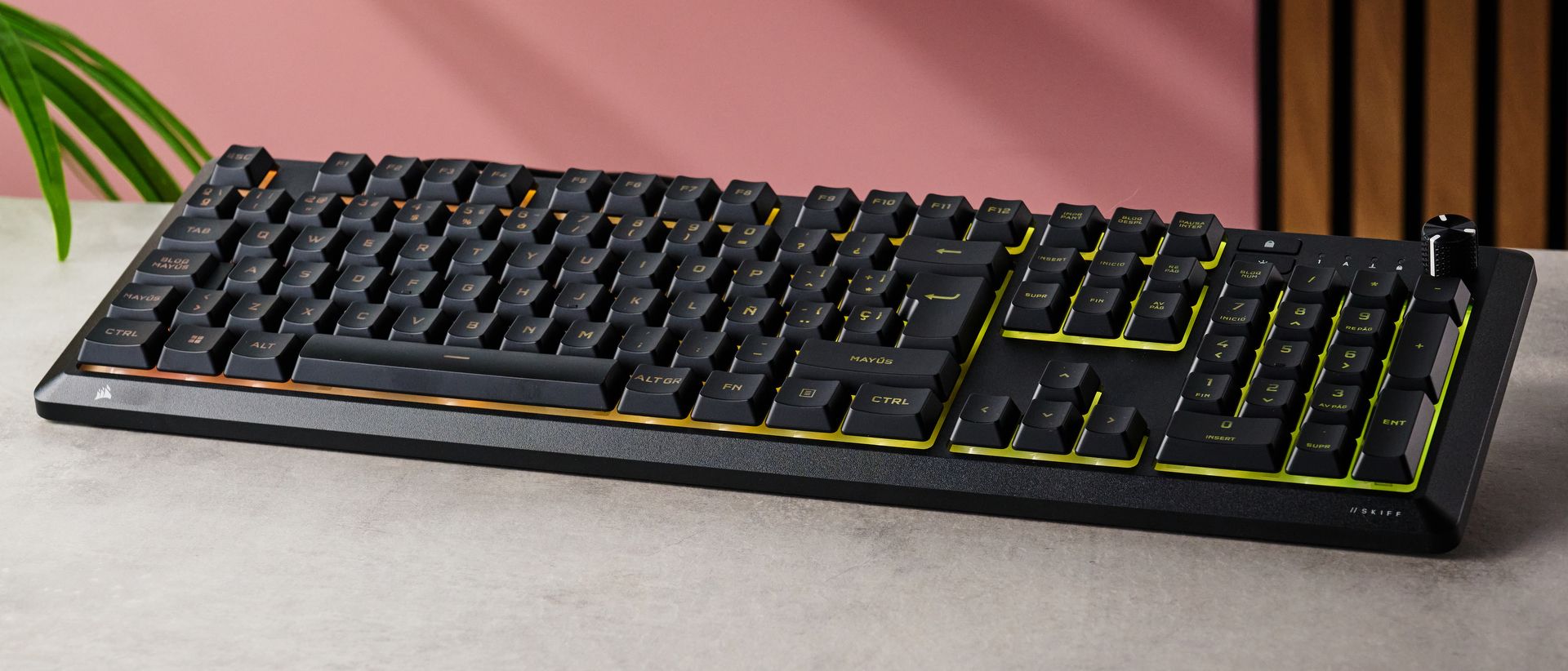
Rather than forcing mechanical components into a low-cost chassis, Corsair chose to refine the traditional membrane switch design for the Skiff 100. This strategic choice allows the company to allocate resources toward other user-centric features, such as a durable, lightweight plastic frame, dedicated media controls with a tactile rotary volume knob, and an IP53 spill-resistance rating. While mechanical keyboards generally command higher consumer preference among hardcore enthusiasts, membrane alternatives continue to hold a significant market share due to their inherent acoustic dampening and low operational noise, characteristics that appeal to office workers and shared-space gamers alike.
Design and Build Quality
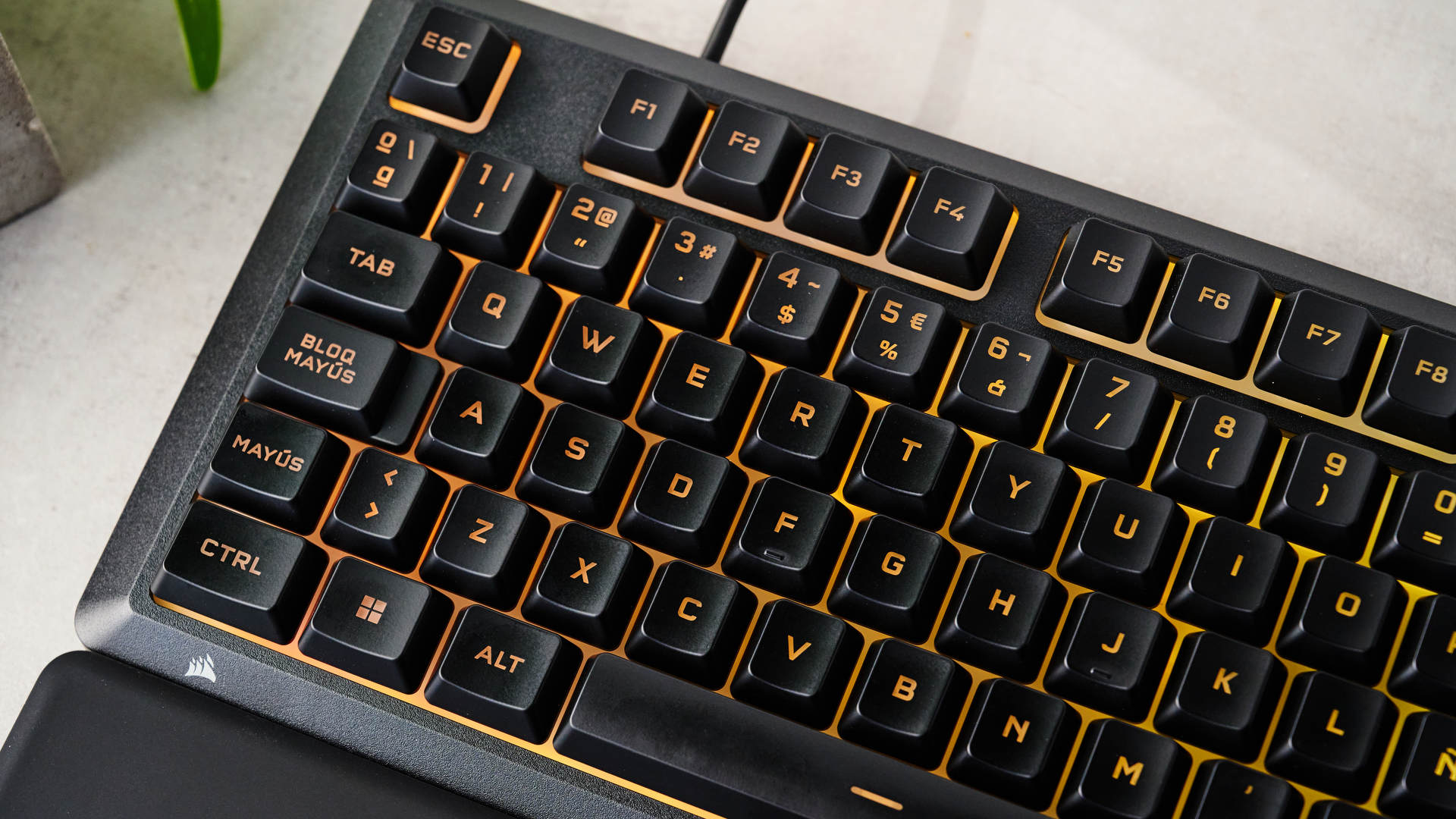
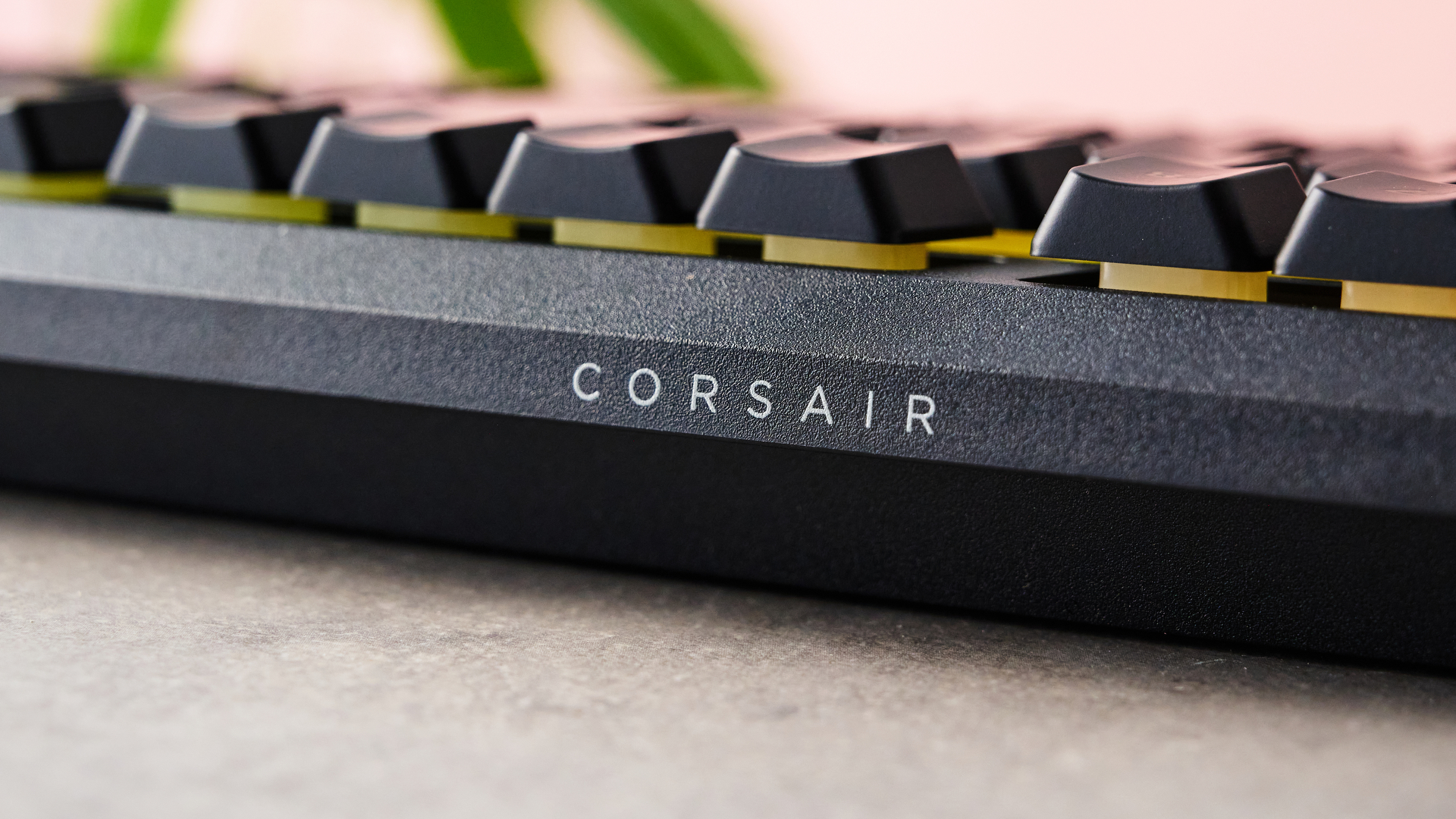
Despite utilizing a plastic construction rather than a sophisticated aluminum or steel top plate, the Corsair Skiff 100 avoids the hollow, fragile feel common among ultra-budget peripherals. Measuring 18 x 5.6 x 0.8 inches (457 x 142 x 20mm) without its wrist support, the full-size chassis exhibits a smooth, slightly grainy matte black finish that projects a professional, understated aesthetic.
Weighing remarkably little for a full-size board, the Skiff 100 is exceptionally portable and easy to reposition on a desk surface. The lower profile is complemented by low-profile keycaps featuring prominent finger indentations. These depressions serve a functional purpose, anchoring the user’s fingers securely during intense gaming sessions and significantly reducing accidental misfires and typos.
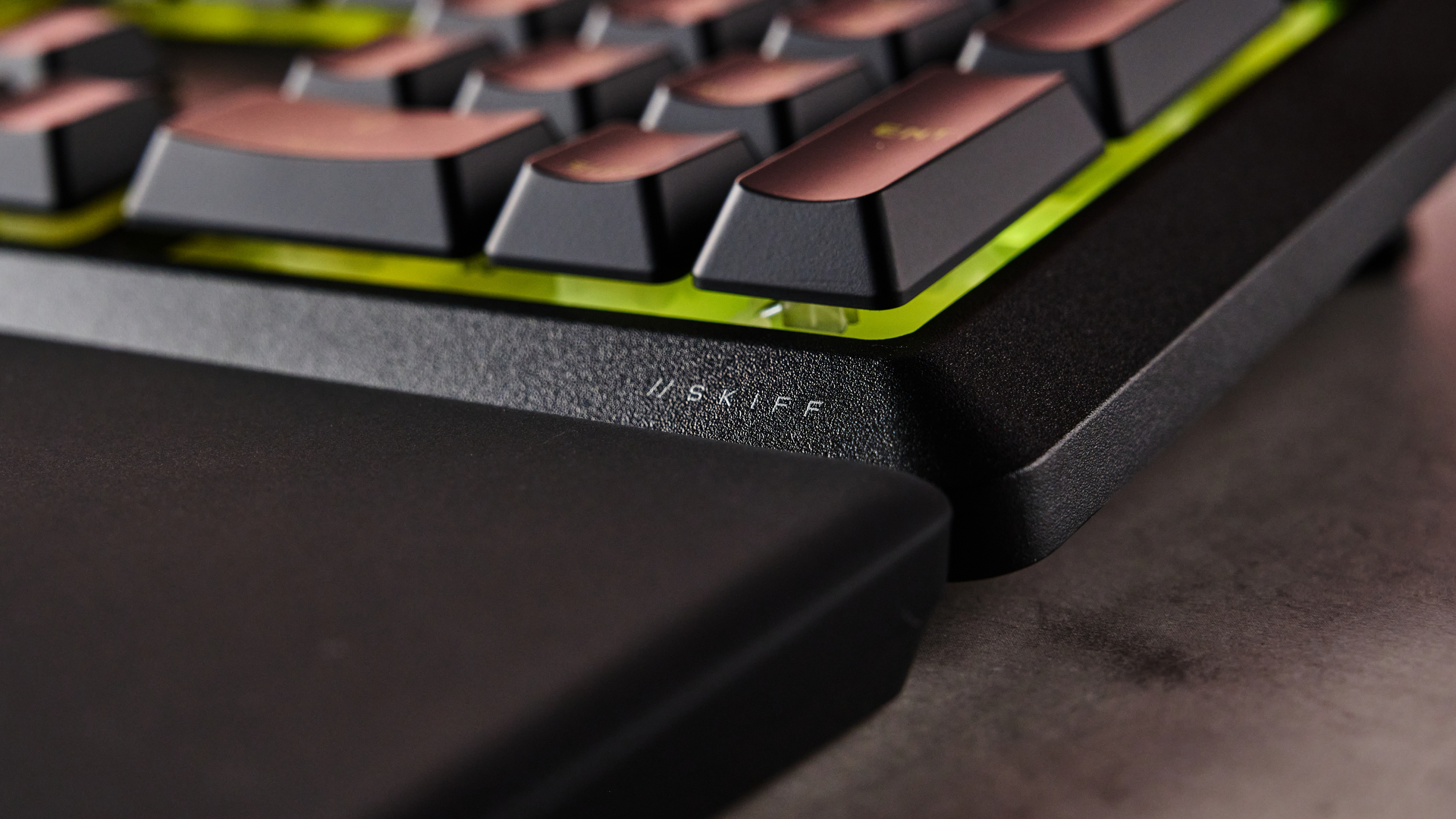
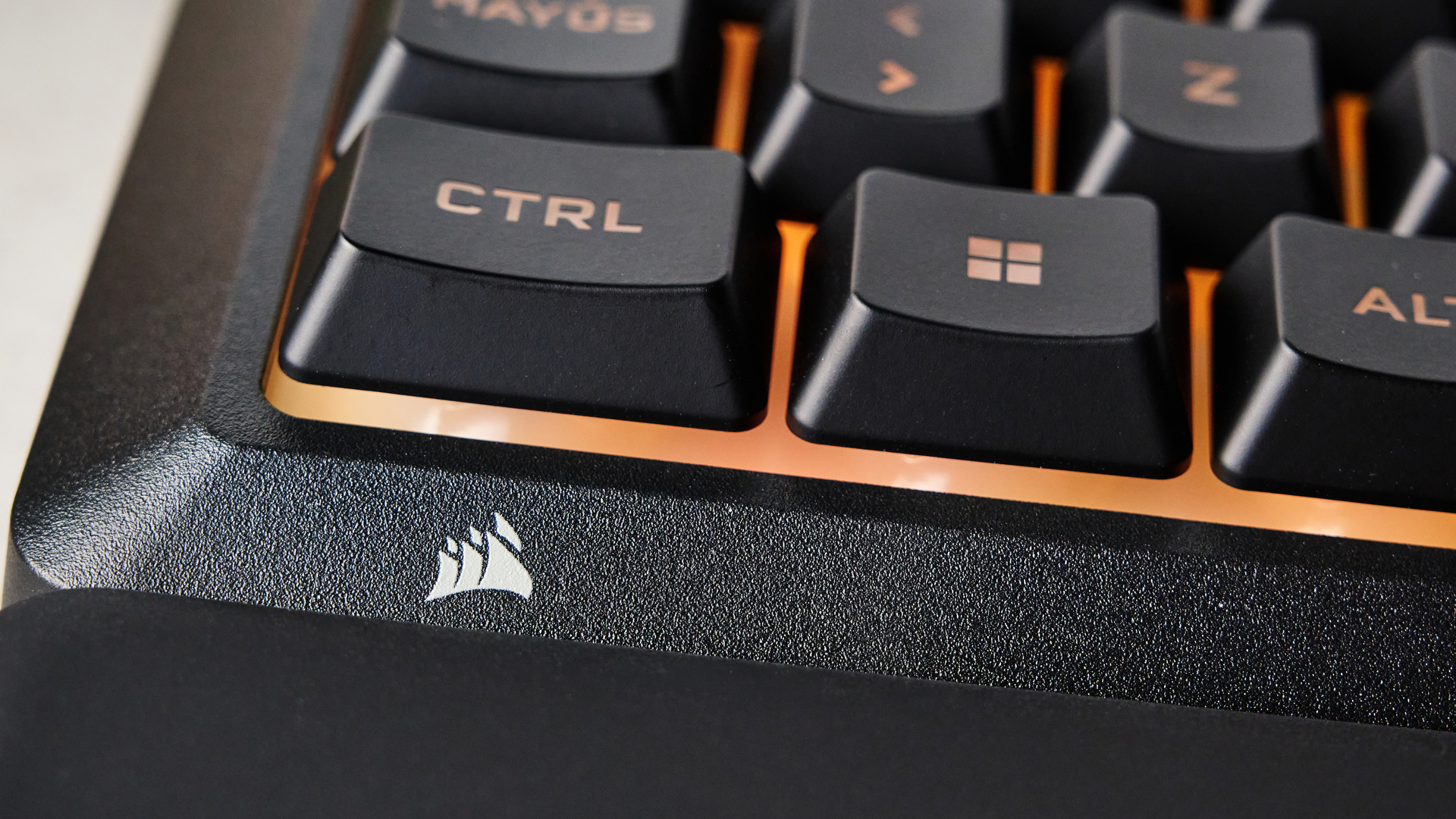
A notable inclusion at this price point is the bundled detachable palm rest. Utilizing a straightforward snap-in mechanism, the wrist support anchors firmly to the base of the keyboard, stabilized by six rubber feet underneath. The soft matte surface provides adequate ergonomic relief during extended typing and gaming marathons. However, reviewers note that the rubberized coating acts as a magnet for dust and fine debris, requiring frequent cleaning with a lint roller or compressed air to maintain its clean appearance.
Performance and Everyday Usability
Evaluating the performance of a membrane-based gaming keyboard requires shifting expectations away from traditional mechanical actuation. The Corsair Skiff 100 utilizes specially engineered membrane switches designed to offer a snappy, responsive feel with relatively shallow travel distance.
During practical evaluations involving fast-paced competitive titles such as Counter-Strike 2 and sprawling open-world adventures like S.T.A.L.K.E.R. 2: Heart of Chornobyl, the switches performed admirably. They successfully bridged the gap between being adequately damped—resulting in a quiet, muted acoustic profile—and offering enough tactile feedback to register rapid, successive keystrokes accurately.
The inclusion of a tactile rotary volume knob adds a layer of physical control that is frequently omitted from entry-level keyboards. The knob features distinct, reassuring notches that make precise audio adjustments straightforward. Furthermore, the keyboard supports a maximum polling rate of 1KHz, ensuring minimal input latency during competitive play.
Software Integration and Customization
Peripheral customization for the Skiff 100 is managed through Corsair’s software ecosystem. Users can choose between the lightweight Corsair Web Hub or the comprehensive iCUE application. Industry analysts and reviewers consistently recommend utilizing the full iCUE software suite, as it unlocks a broader array of functional adjustments.
Through iCUE, users can customize the vibrant RGB backlighting zone by zone or select from pre-configured lighting effects. More importantly, the software enables extensive key remapping capabilities. Owners can program macro combinations, assign custom mouse inputs, set up application launch shortcuts, and integrate specialized controls for Voicemod, Corsair’s AI voice-modulation software. While the software does not offer advanced performance tweaking beyond basic polling rate adjustments and key disabling—limitations expected at this price tier—the available configuration options exceed the bare-minimum standards typically found in budget peripherals.
Competitive Landscape and Alternatives
The $60 / £50 price bracket is heavily contested, featuring diverse hardware philosophies. Consumers shopping for a keyboard in this range must weigh whether they prefer full-sized convenience, mechanical precision, or wireless freedom.
For users willing to sacrifice desk space in exchange for elite mechanical performance, the Razer Reclusa X Mini 65% serves as a primary rival. It features hot-swappable mechanical switches favored by competitive esports players, though its significantly smaller form factor lacks a number pad and dedicated media controls.
Conversely, users who prioritize cable-free desk setups often gravitate toward options like the MechLands Vibe99. This alternative offers multiple wireless connectivity modes and a compact full-size layout at a comparable price point, though it lacks an included wrist rest and suffers from inferior companion software.
Broader Industry Implications
The introduction of the Corsair Skiff 100 underscores a broader trend within the PC hardware market: manufacturers are increasingly focusing on refined user experience rather than chasing feature counts in entry-level tiers. By elevating the performance ceiling of membrane switches and bundling practical accessories like a stable palm rest and a media control knob, Corsair demonstrates that budget-constrained consumers do not necessarily need to compromise on ergonomics or daily usability.
Ultimately, the Corsair Skiff 100 establishes itself as a highly competent, dependable option for users seeking a quiet, full-size typing and gaming experience backed by a reputable brand and robust software support. While hardware purists may continue to advocate for mechanical or analog alternatives, the Skiff 100 successfully proves that membrane keyboards still hold a valid, highly functional place in modern gaming setups.