Jackery Explorer 2000 v2 Review: A Balance of High Capacity, Portability, and Modern Power Management

The portable power station market has experienced a significant surge in consumer demand over recent years, driven largely by aging national power grids, increasingly volatile weather patterns, and a societal shift toward remote work and outdoor recreation. Within this expanding sector, manufacturers are tasked with balancing high energy capacity with physical mobility. Entering this competitive landscape, the Jackery Explorer 2000 v2 positions itself as a robust, mid-to-high-tier standalone power station aimed at both residential emergency preparedness and off-grid applications. Weighing in at 36.6 pounds (17.5 kilograms) with a 2,042 Wh capacity and a 2200W rated output, the unit attempts to bridge the gap between heavy-duty industrial power generators and lightweight camping power banks.
Background Context and Industry Evolution
Portable power stations have evolved rapidly from noisy, fuel-burning gas generators to sophisticated lithium-ion and lithium-iron-phosphate (LiFePO4) battery systems. Consumers living in rural or semi-rural areas—where infrastructure is often susceptible to environmental disturbances such as high winds, heavy rainfall, or fallen trees—increasingly rely on these units to maintain business continuity.
Power outages that historically lasted for hours can severely disrupt remote work environments, rendering traditional desktop setups, routers, and essential home appliances useless. While legacy backup systems were often bulky, loud, and cumbersome to operate indoors, modern iterations utilize advanced inverter technology and smart app connectivity. Jackery’s introduction of the Explorer 2000 v2 addresses these consumer demands by offering high-density energy storage packaged in a chassis that is roughly 30% lighter than comparable 2 kWh units of previous generations.
Detailed Specifications and Capabilities
A comprehensive analysis of the Jackery Explorer 2000 v2 reveals a carefully engineered hardware profile tailored for everyday utility and emergency resilience.
- Battery Capacity: 2,042 Wh, capable of running standard low-draw devices such as a laptop and Wi-Fi router for approximately 20 hours, or higher-draw appliances for shorter durations.
- Power Output: 2,200W rated output (with a 4,400W surge peak), driven by a 230V ~ 50Hz system. This output accommodates most household and job-site appliances, including microwaves, coffee makers, and power tools. However, simultaneous operation of multiple high-wattage, heat-producing appliances remains restricted by the total wattage ceiling.
- Physical Dimensions and Weight: Measuring 13.2 x 10.4 x 11.5 inches (33.5 x 26.4 x 29.2 cm) and weighing 36.6 lbs (17.5 kg), the unit is optimized for trunk transport in standard vehicles or placement in tight campervan storage compartments.
- Lifespan and Durability: Rated for up to 4,000 charge cycles while retaining over 70% of its original capacity, the battery chemistry is projected to support over a decade of regular use. Furthermore, the unit has passed the IEC60068-3-3 seismic test, certifying structural resilience against vibrations and severe physical displacement, such as earthquakes up to magnitude 9.
- Connectivity and Charging: The device features a 100W USB-C Power Delivery (PD) port, an additional 30W USB-C port, an 18W USB-A port, a 12V/10A car port, and two AC output ports. Recharging from a standard wall outlet (220-240V) takes the unit from empty to 80% in slightly over an hour. Alternatively, it supports a maximum solar input of 400W, achieving a full charge via compatible photovoltaic panels in approximately six hours under optimal direct sunlight.
Chronology of Field Testing and Real-World Performance
To evaluate the practical utility of the Explorer 2000 v2, extended real-world testing was conducted across three distinct operational environments: a residential emergency power outage, a remote camping excursion, and an unexpected domestic interruption.
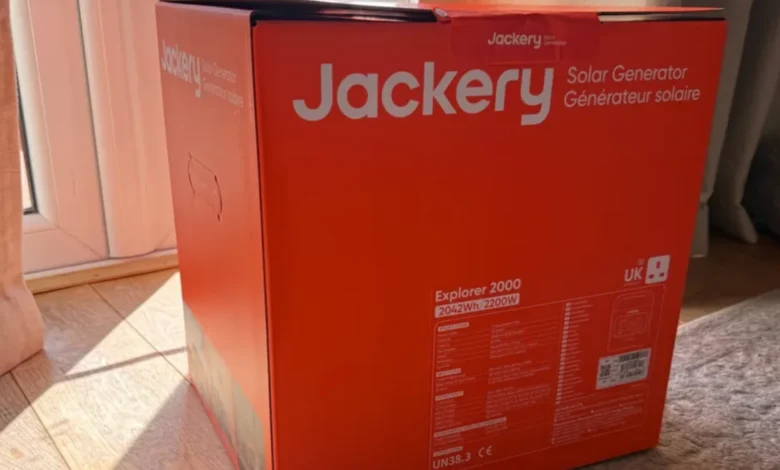
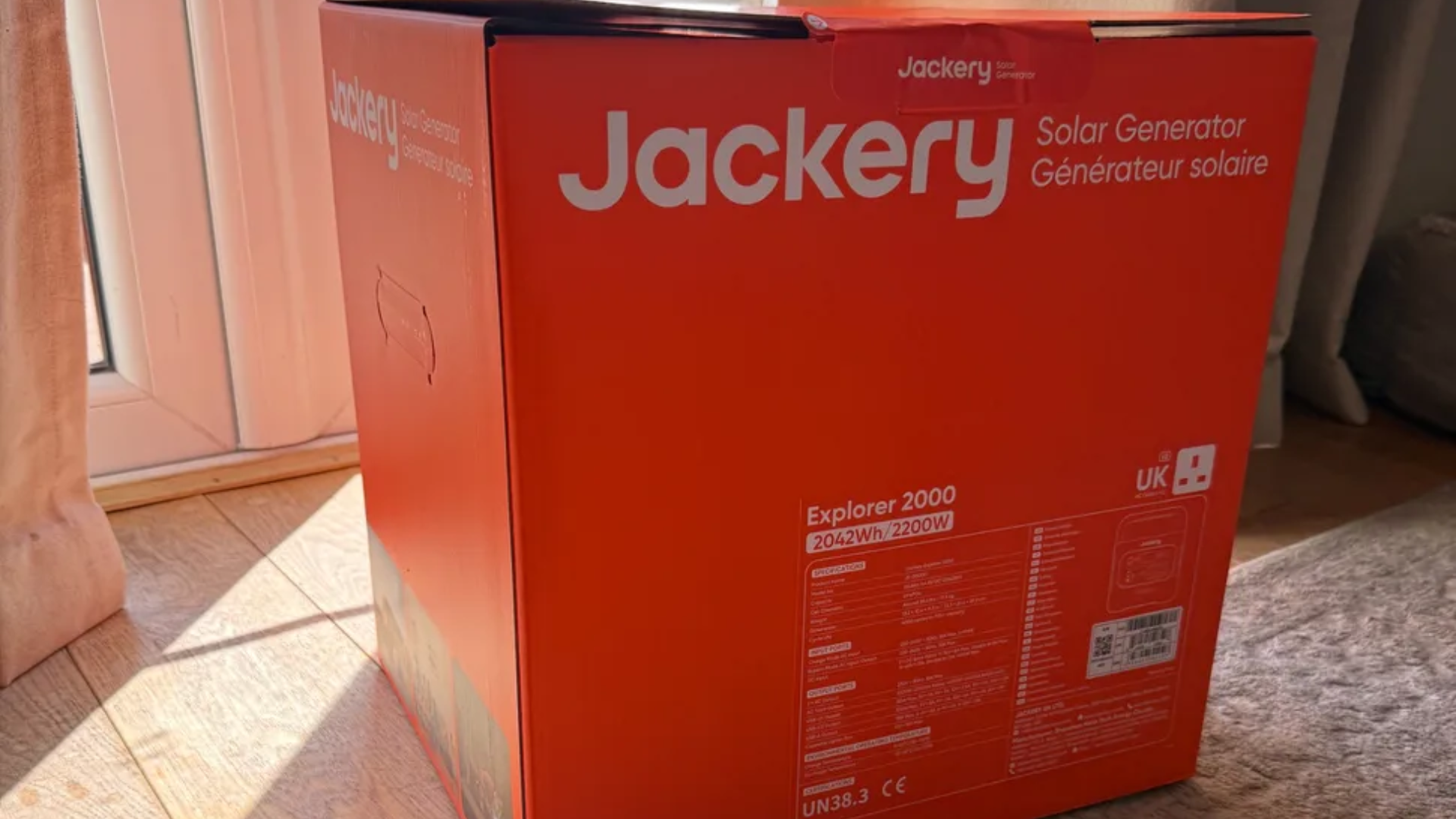
In the initial setup phase, unpacking revealed a focus on protective transit packaging, utilizing multiple reinforced boxes and a soft textile storage bag. While the extensive packaging initially suggested a fragile build, subsequent handling—including accidental drops from vehicle trunks—confirmed the structural integrity implied by its seismic certifications.
The first operational test occurred during an unprompted grid failure caused by falling tree branches striking local power lines after prolonged dry weather. Operating in a home office environment, initial activation required navigating the unit’s safety protocols by manually selecting the active power output channels via the control interface. Once engaged, the station seamlessly powered a professional workstation setup for three hours, eliminating the operational anxiety traditionally associated with laptop battery depletion during unexpected outages.
A subsequent field test involved deploying the unit during a weekend camping trip. Transporting the 17.5 kg unit across a 300-meter uneven terrain proved manageable for an average adult. Placed inside a tent vestibule, the power station successfully ran an industrial-grade ventilation fan continuously through the night while simultaneously maintaining smartphone battery levels via the integrated USB-C ports.
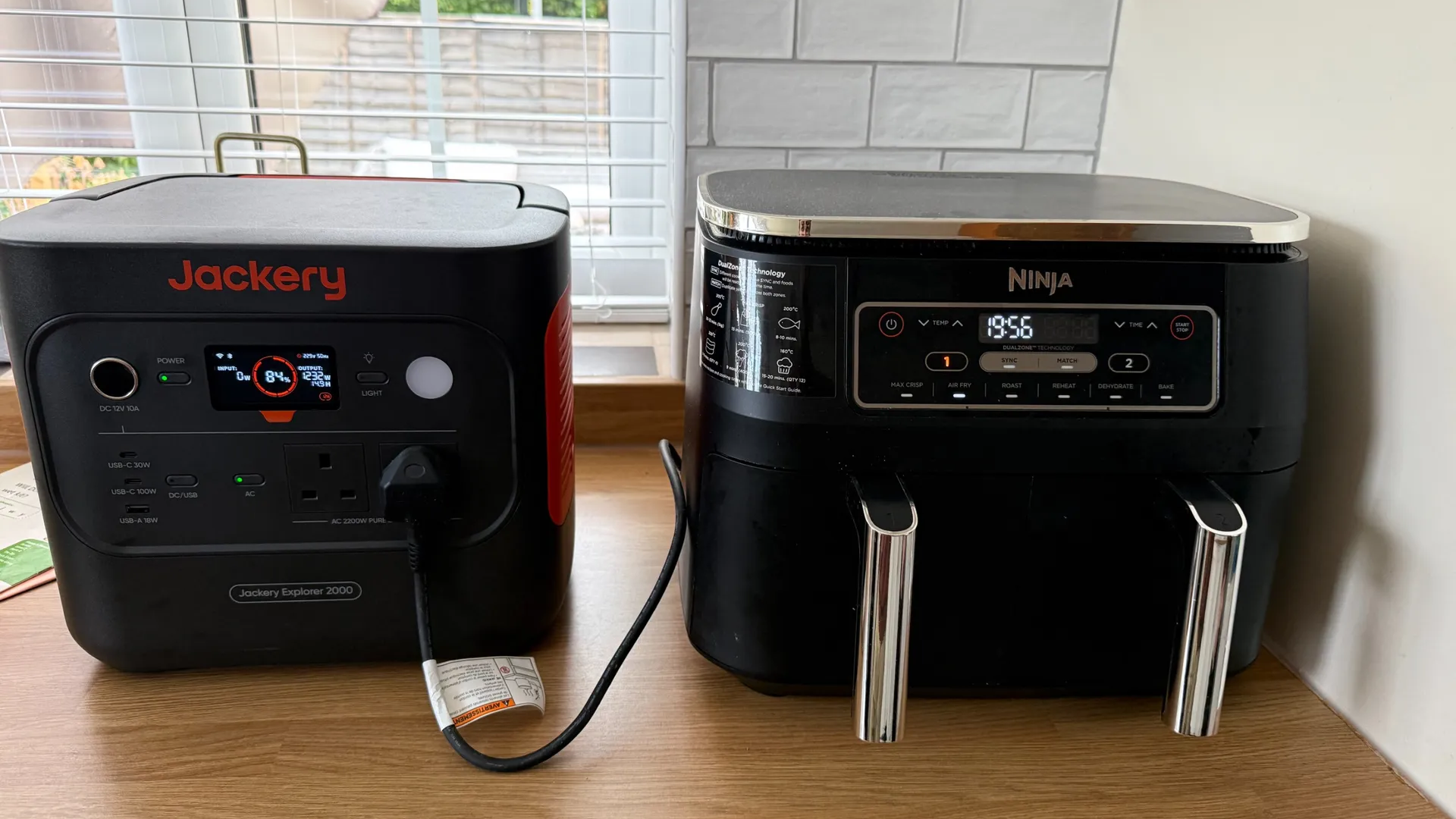
A final stress test involved supporting a high-wattage home appliance—an air fryer—mid-cooking cycle during an abrupt afternoon blackout. Operating the kitchen appliance for 25 minutes consumed approximately 20% of the total available battery reserves, demonstrating the unit’s capacity to handle sudden surge loads without tripping internal circuit breakers.
Software Integration via the Jackery App
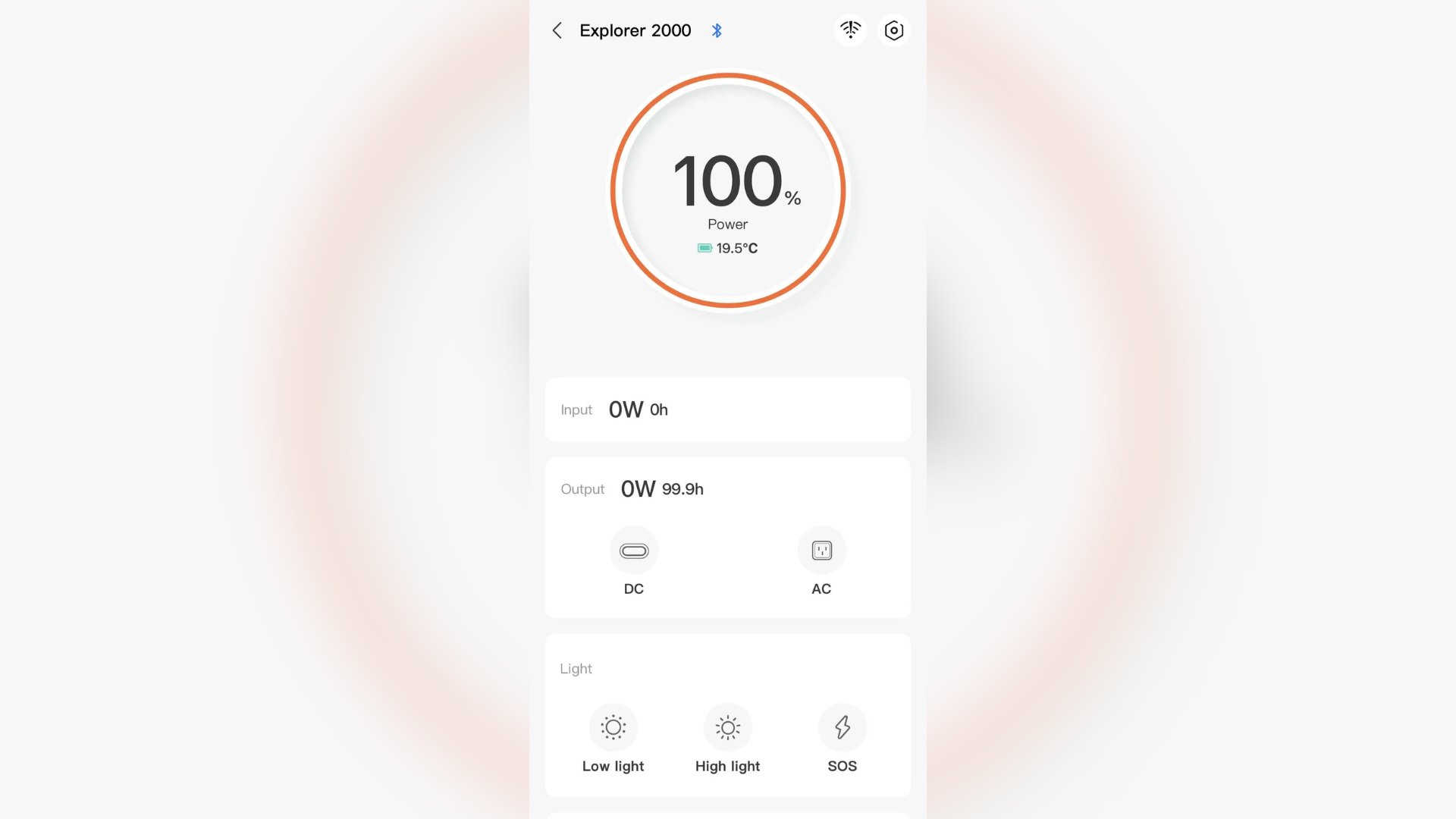
Modern power stations increasingly rely on companion software to augment hardware functionality. The Jackery mobile application facilitates remote monitoring and management through a straightforward pairing process.
Upon connection, the application interface delivers real-time telemetry, including:
- Current state-of-charge percentage
- Internal operating temperature
- Real-time aggregate input and output wattage
- Toggle controls for individual AC and DC output zones, display backlighting duration, and ambient lighting settings
Advanced menu parameters allow users to configure emergency charging protocols, energy-saving thresholds, and automated shut-off timers. Additionally, the software enables users to switch between "fast charging" and "quiet charging" profiles. While fast-charging generates minimal acoustic output, the quiet mode proves advantageous when the station is deployed near sleeping or working quarters. Industry analysts note that while such software ecosystems are standard for high-end smart home integration, their utility for standalone outdoor power units remains a convenient auxiliary feature rather than a mandatory requirement.
Design Limitations and Market Implications
Despite its robust performance profile, industry evaluations indicate specific design constraints that prospective buyers must consider.
Unlike several modular competitors in the high-capacity power station segment, the Jackery Explorer 2000 v2 is a closed, non-modular system. Users cannot physically daisy-chain additional battery expansion packs to increase total watt-hour capacity over time. Consequently, purchasers must accurately forecast their long-term energy requirements; if future power demands exceed the 2,042 Wh threshold, the user must invest in an entirely new system, such as the larger Explorer 3000 v2.
Furthermore, while the 400W maximum solar input accommodates casual off-grid top-ups, users relying exclusively on solar generation as a primary off-grid power source may find the recharge velocity restrictive compared to rival systems capable of handling significantly higher photovoltaic arrays. Finally, heavy users requiring simultaneous connection of numerous legacy peripherals may find the inclusion of only two AC outlets and three USB connections moderately limiting.
Market Implications and Conclusion
The Jackery Explorer 2000 v2 occupies a well-defined niche in the contemporary energy storage market. By prioritizing a high power-to-weight ratio, structural durability, rapid AC recharging, and user-friendly software integration, the unit successfully addresses the primary pain points of residential consumers and recreational users facing grid instability.
While its non-modular architecture and port limitations restrict its viability for heavy-duty commercial operations or large-scale off-grid households, its reliable performance in emergency scenarios cements its status as a competitive and dependable mid-capacity power station. As grid vulnerabilities persist globally, devices of this class are expected to remain vital tools for maintaining personal productivity and domestic continuity during unforeseen infrastructure failures.