Apple Invites App Update Introduces Interactive Emoji Reactions and RSVP Animations to Enhance Digital Event Management


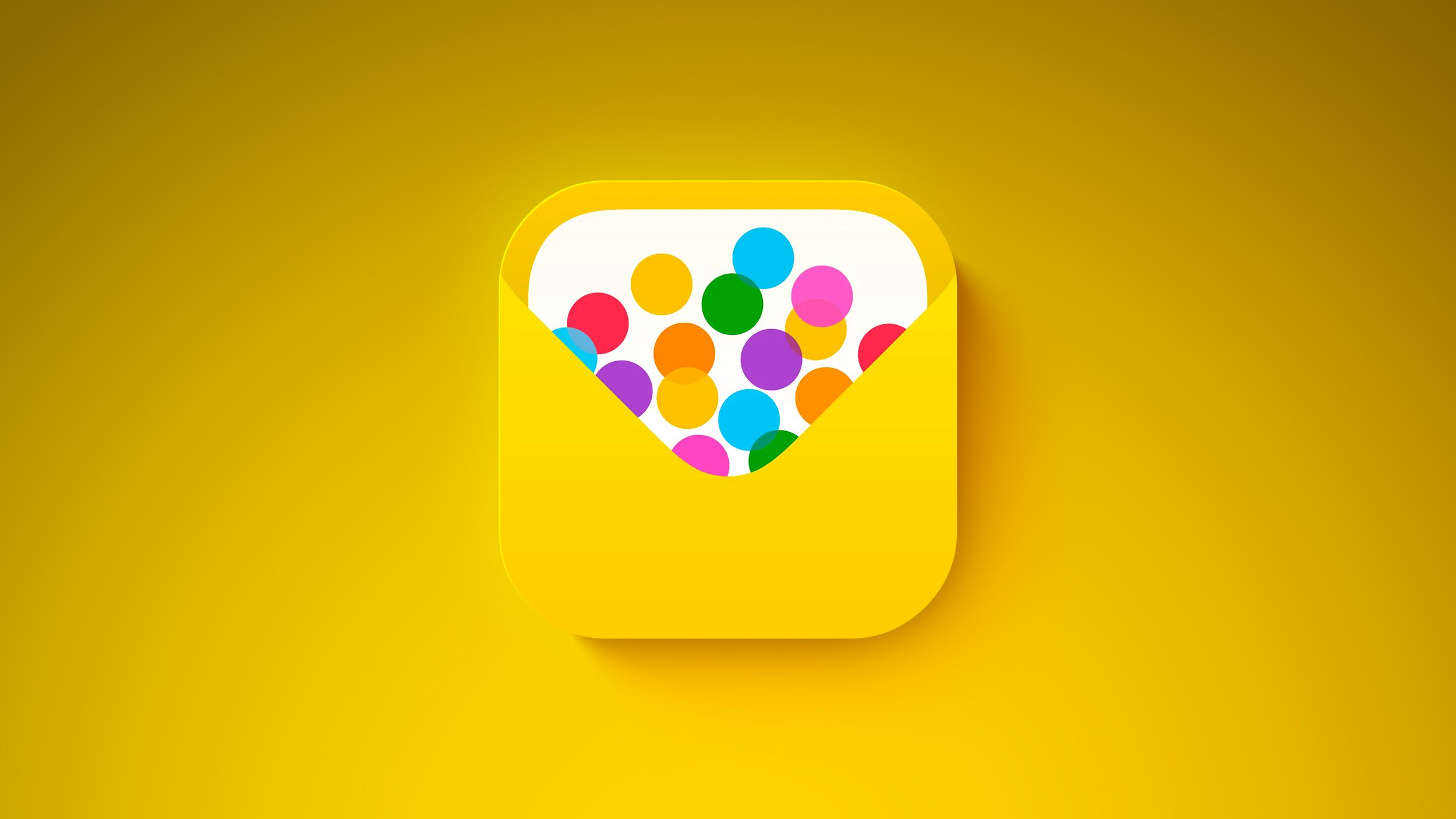
Apple has officially released version 1.10 of its dedicated event-planning application, Apple Invites, introducing a suite of social features designed to streamline communication between hosts and guests. The update, which arrived on the App Store this Tuesday, primarily focuses on the RSVP experience by allowing users to react to attendance responses with emojis and triggering a celebratory confetti animation when a guest confirms their presence. While Apple characterizes these as minor enhancements, the update reflects a broader strategic push to integrate social networking elements directly into the iOS ecosystem, reducing user reliance on third-party invitation platforms such as Evite, Paperless Post, or Partiful.
Core Features of Version 1.10
The centerpiece of the version 1.10 update is the introduction of interactive feedback loops within the invitation interface. Previously, the RSVP process was a functional, binary transaction: a guest would select their attendance status, and the host would receive a notification. With the latest update, Apple has implemented a reaction system similar to those found in iMessage and Apple News. Both hosts and guests can now long-press or tap on an RSVP reply to attach an emoji reaction. This allows for immediate, informal communication—such as a "heart" for an enthusiastic "yes" or a "sad face" for a "no"—without requiring the user to initiate a separate text thread.
Accompanying this social layer is a new visual reward system for guests. When an invitee selects the "Attending" option, the application now triggers a full-screen confetti animation. This visual flair is consistent with Apple’s design language seen in the Messages app, where specific keywords trigger "Screen Effects." Industry analysts suggest that these "micro-interactions" are designed to increase user engagement and make the logistical process of event planning feel more personal and less administrative.
Beyond the visible interface changes, Apple’s release notes indicate that version 1.10 includes significant "under-the-hood" bug fixes and performance improvements. These optimizations are reportedly aimed at reducing load times for high-capacity events—those with over 100 invitees—and ensuring smoother synchronization across the iCloud network.
A Chronology of Apple Invites Development
To understand the significance of the version 1.10 update, it is necessary to examine the rapid evolution of the Apple Invites platform since its inception.
The Launch: February 2025
Apple Invites was first introduced in February 2025 as a surprise addition to the iOS 18 software cycle. It was positioned as a native solution for organizing birthday parties, baby showers, and casual gatherings. At launch, the app was praised for its deep integration with the Contacts app and Apple Maps, allowing hosts to pull guest lists and location data seamlessly. However, early critics noted that the app lacked the collaborative tools found in established third-party competitors.
The Collaborative Milestone: June 2026
Just one month prior to the current update, Apple addressed one of the most requested features: co-hosting. On June 23, 2026, the app received an update that allowed primary hosts to designate one or more "co-hosts." This feature enabled multiple users to edit event details, manage the guest list, and send out mass updates. This update also introduced "Guest Visibility" toggles, giving hosts the choice to let attendees see who else had been invited, a feature essential for larger social mixers.
The Social Refinement: July 2026
The current July 21, 2026, update represents the third major iteration of the app within its second year of operation. By adding emoji reactions and animations, Apple is shifting the app from a utility-first tool to a social-first platform.
Subscription Tiers and Accessibility Logic
Apple Invites operates on a "freemium" model that leverages the company’s iCloud+ subscription service. While the application is free to download for any iPhone user, the ability to act as a "Host" and create an event is gated behind a paywall. Users must subscribe to an iCloud+ plan with at least 50GB of storage (currently priced at $0.99 per month in the U.S.) to initiate an invitation.
This requirement serves two purposes for Apple. First, it acts as a driver for Services revenue, encouraging users to upgrade their storage plans to access premium lifestyle features. Second, it ensures that event data, including high-resolution images for invitation backgrounds and guest list databases, are securely backed up and synced via Apple’s encrypted cloud infrastructure.
Conversely, the "Guest" experience remains entirely free and platform-agnostic. When a host sends an invitation, it is delivered via a unique iCloud link. Recipients do not need an iCloud+ subscription—nor do they technically need an iPhone—to RSVP. The web-based version of the RSVP portal allows Android and Windows users to view event details, select their attendance status, and now, with the latest update, view the emoji reactions and animations that have become central to the experience.
Supporting Data and Market Context
The expansion of Apple Invites comes at a time when Apple’s "Services" division is seeing record growth. In the most recent fiscal quarter, Apple reported that Services revenue reached an all-time high, driven largely by iCloud+ and AppleCare subscriptions.
The integration of Apple Invites into the broader ecosystem is further bolstered by the recent changes to AppleCare One. Launched in July 2025, AppleCare One provides a unified insurance and service subscription for up to three devices at $19.99 per month. By bundling lifestyle apps like Apple Invites with essential services like hardware protection and cloud storage, Apple is creating a "sticky" ecosystem where the cost of switching to a competitor becomes increasingly high for the average consumer.
Market data suggests that the digital invitation market is currently worth an estimated $650 million annually, with a projected compound annual growth rate (CAGR) of 8% through 2030. By entering this space, Apple is not just providing a utility; it is capturing data on how users interact socially, which can be used to refine other products like the upcoming iPhone 18 Pro and Pro Max.
The Broader Impact on the Apple Ecosystem
The timing of the Apple Invites update is particularly relevant given the proximity to the anticipated iPhone 18 Pro launch in September 2026. Rumors suggest that the iPhone 18 Pro will feature a significantly smaller Dynamic Island and enhanced satellite connectivity. Software updates like version 1.10 of Apple Invites are often used as "stress tests" for the interface elements that will be highlighted during the keynote. For instance, the confetti animation in Apple Invites is optimized for the ProMotion displays found in the Pro lineup, utilizing high refresh rates to ensure the animation is fluid and lifelike.
Furthermore, the introduction of emoji reactions within the app signals a move toward a more unified communication standard across all Apple-branded software. It is expected that these reaction features will eventually migrate to other collaborative tools, such as shared Notes or shared Reminders, creating a cohesive user experience where the method of interaction remains constant regardless of the specific app being used.
Official Responses and Industry Analysis
While Apple rarely issues formal press releases for minor app updates, internal sources suggest the company is satisfied with the adoption rate of Apple Invites. Developers within the Apple ecosystem have noted that the "Invites" framework is being used as a template for how Apple might handle other community-focused features in the future.
Independent tech analysts have reacted positively to the update, noting that Apple is finally addressing the "social void" in its software. "Apple has always had the hardware and the messaging platform, but they lacked a structured environment for social coordination," says Marcus Thorne, a senior analyst at TechMetrics. "Apple Invites version 1.10 shows they are serious about making the iPhone the center of a user’s social life, not just their digital life. The confetti and emojis might seem trivial, but they are the emotional hooks that keep users from switching to a third-party app."
Implications for Privacy and Data Security
As with all Apple services, Apple Invites is built with a focus on privacy. The app utilizes end-to-end encryption for guest lists and event details, a stark contrast to many third-party invitation sites that monetize user data by selling guest lists to advertisers. For many users, the move to Apple Invites is driven as much by a desire for data privacy as it is by the new interactive features. Apple’s "Sign in with Apple" feature is integrated into the RSVP process for non-iPhone users, ensuring that even those outside the ecosystem can interact with the platform without compromising their personal email addresses.
Conclusion
The release of Apple Invites version 1.10 marks another step in Apple’s transition from a hardware-centric company to a holistic lifestyle brand. By enriching the RSVP experience with emoji reactions and interactive animations, Apple is refining the way its users celebrate and gather. As the app continues to evolve—moving from a simple invitation tool to a collaborative, social platform—it reinforces the value of the iCloud+ ecosystem and sets the stage for the next generation of iOS integration. With the iPhone 18 Pro on the horizon, these software refinements ensure that Apple’s hardware remains supported by a robust, engaging, and increasingly social software environment.