
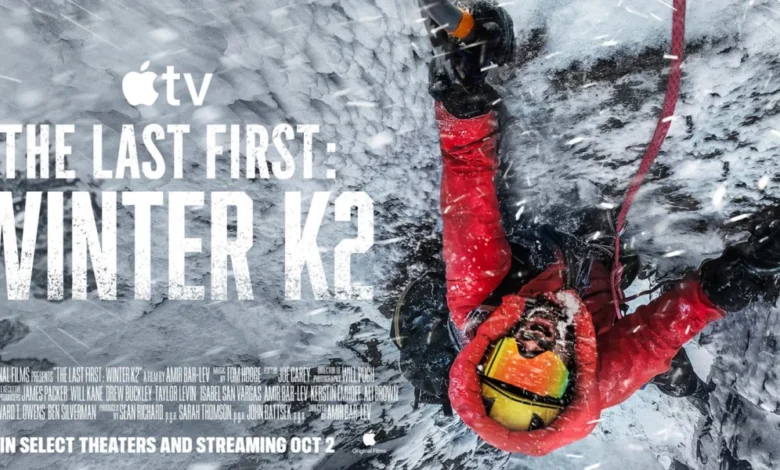
The high-stakes world of elite mountaineering is set to be scrutinized in the upcoming Apple TV documentary, The Last First: Winter K2. Directed by Amir Bar-Lev, the film offers an intimate and harrowing look at the 2021 winter expedition to K2, the world’s second-highest peak, which is widely considered one of the most dangerous and physically demanding endeavors in human history. With a perfect 100% score on Rotten Tomatoes, the documentary serves as both a gripping survival narrative and a critical examination of the evolving commercialization of extreme sports.
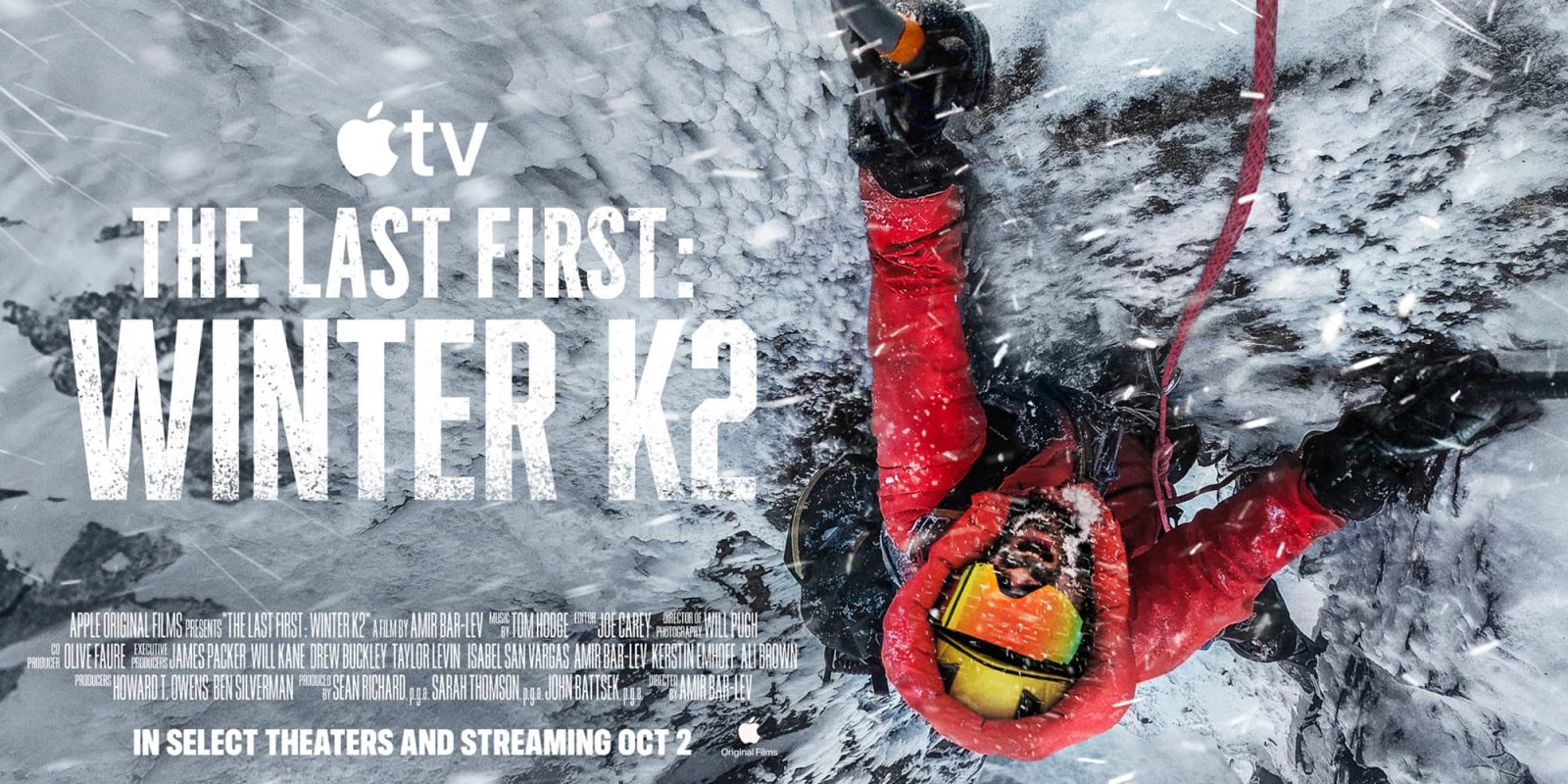
The documentary follows three specific climbers—Icelander John Snorri Sigurjónsson and the Pakistani father-son duo, Ali and Sajid Sadpara—as they attempt to conquer the "Savage Mountain" during the brutal winter season. The project, which garnered critical acclaim during its selection for the Sundance Film Festival, will be available for global streaming on Apple TV starting October 2.
A Chronology of the 2021 K2 Winter Expedition
The narrative of The Last First: Winter K2 is anchored in the tragic and historic events that unfolded between December 2020 and February 2021. For decades, K2 was the only 8,000-meter peak that had never been summited in the winter. The season began with a flurry of international teams arriving at the base camp, signaling a shift in how mountaineering expeditions are organized and perceived.
In mid-January 2021, a coalition of ten Nepali climbers achieved the historic first winter ascent of K2. While this was a monumental victory for mountaineering, the celebration was short-lived. Just weeks later, the expedition involving Sigurjónsson and the Sadparas ended in disaster. The three men went missing on the upper reaches of the mountain, sparking a massive search-and-rescue operation that captured global media attention. The documentary reconstructs these final days, utilizing footage captured by the climbers themselves, as well as interviews with those left behind.
The Changing Culture of Extreme Mountaineering
Beyond the individual struggle for survival, the film interrogates the shifting demographics and economic pressures of high-altitude climbing. Historically, mountaineering was a pursuit defined by national prestige and amateur exploration. In recent years, however, the industry has undergone a radical transformation.
The documentary highlights the friction between traditional high-altitude professionals—often from regions like Pakistan and Nepal—and the rising influx of "influencer" climbers and commercial clients. This creates a complex ecosystem where the drive for social media engagement, sponsorship, and commercial success can sometimes clash with the realities of life-and-death decision-making. The presence of film crews and commercial clients on the mountain creates a crowded, high-pressure environment that deviates significantly from the solitary, stoic image of mountaineering established in the 20th century.
Analysis of the Commercialization Impact
The commercialization of K2 is not merely a matter of increased foot traffic; it represents a fundamental shift in the risk-reward calculus of the mountain. Historically, K2 was avoided by most commercial operators due to its extreme technical difficulty and unpredictable weather patterns. The 2021 season, however, saw a record number of permits issued, leading to what many industry experts describe as a "crowding effect."
When too many climbers are on a single route, bottlenecks occur at critical junctures, such as the "Bottleneck" couloir—a narrow, dangerous section of K2 where climbers are exposed to falling ice from the overhanging seracs. The documentary emphasizes how this congestion forces climbers to spend more time in the "death zone" (altitudes above 8,000 meters), where the body begins to die from lack of oxygen, significantly increasing the probability of fatalities.
Perspectives from the Industry
While official statements from the expedition organizers have been sparse, the film provides a platform for the families and surviving members to discuss the systemic issues inherent in the modern climbing industry. The inclusion of the Nepali team’s perspective is particularly notable. In the past, indigenous mountain guides were often relegated to secondary roles, providing the logistical labor necessary for Western climbers to reach the summit.

The 2021 winter ascent signaled a paradigm shift: the Nepali team’s success was a testament to their own agency and professional mastery. The Last First: Winter K2 captures this turning point, documenting a moment where the hierarchy of mountaineering was permanently altered. It forces viewers to confront the uncomfortable reality of class and caste in an environment that is supposedly a "great equalizer."
Data and Environmental Factors
K2 stands at 8,611 meters (28,251 feet) and is notoriously more difficult than Everest. During the winter, temperatures can drop to -60°C (-76°F), and winds can exceed 200 kilometers per hour. According to historical climbing data, for every four people who have reached the summit of K2, one has died trying.
The film utilizes archival footage and data-driven analysis to explain why the winter of 2021 was so uniquely challenging. Meteorological patterns that year led to a short "weather window" where conditions were just stable enough to attempt a summit, but the margin for error remained razor-thin. The documentary effectively visualizes these risks, making the intangible dangers of high-altitude weather feel immediate and visceral for the audience.
The Role of Apple TV in Documentary Distribution
The acquisition of The Last First: Winter K2 by Apple TV continues the platform’s trend of investing in high-quality, non-fiction content that carries a strong narrative weight. By securing the global rights to a Sundance-selected feature, Apple is signaling a commitment to "prestige" documentaries that provide cultural commentary alongside entertainment.
This strategy aligns with the broader Apple TV+ catalog, which includes critically acclaimed series like Severance, The Morning Show, and Ted Lasso. By positioning this documentary alongside high-production scripted dramas, Apple is attempting to broaden the appeal of its non-fiction offerings, moving them from niche interest to mainstream viewing.

Implications for Future Expeditions
The release of this film is likely to reignite debates within the international mountaineering community regarding ethics and safety. Regulatory bodies, such as the International Climbing and Mountaineering Federation (UIAA), have faced increasing pressure to address the safety standards of commercial expeditions.
The documentary poses a fundamental question: Should access to the world’s most dangerous peaks be managed more strictly, or is the inherent risk of the mountain a freedom that should remain unrestricted? By focusing on the personal stories of the Sadpara family and John Snorri, the film ensures that the human element remains at the forefront of this discussion, preventing the narrative from becoming a purely academic or bureaucratic debate.
Conclusion and Viewing Information
The Last First: Winter K2 is not just a film about a climb; it is a film about the nature of ambition and the consequences of turning natural wonders into commercial products. It serves as a somber reminder of the power of nature and the fragility of human life, even for the most experienced and well-prepared individuals.
For those interested in the technical, social, and psychological aspects of extreme sports, the documentary provides an essential, if sobering, viewpoint. Viewers can access the film through the Apple TV app, which is available on a variety of devices, including smart TVs, streaming sticks, and mobile platforms. The service is available as a standalone subscription for $14.99 per month or as part of the Apple One bundle, which includes access to other digital services such as Apple Music and iCloud+.
As the release date of October 2 approaches, the documentary is expected to draw significant attention from both the film community and outdoor enthusiasts worldwide. Its rare 100% Rotten Tomatoes score suggests that director Amir Bar-Lev has succeeded in crafting a narrative that transcends the genre, appealing to anyone with an interest in the limits of human endurance and the complex, often unseen, industry that supports those who test them.