Razer Basilisk V4 Pro Review: A Feature-Packed Gaming Mouse That Falls Short of Total Perfection

The gaming peripheral market continues to evolve at a rapid pace, with manufacturers constantly seeking the delicate balance between high-end performance, ergonomic comfort, and cutting-edge features. Among the most enduring heavyweights in this space is Razer’s Basilisk line, a series that has long catered to gamers favoring palm-grip styles and multi-button functionality. With the launch of the Razer Basilisk V4 Pro, the company aims to solidify its dominance in the high-performance gaming mouse category. Priced at $169.99 / £169.99 / $289.95 AUD, the V4 Pro arrives as a substantial upgrade over its predecessor, the Basilisk V3 Pro 35K, representing a $10 price increase across major regions. However, despite boasting impressive hardware specifications and a refined ergonomic build, rigorous testing reveals a device that is as frustratingly flawed as it is innovative.
Main Facts and Hardware Overview
At its core, the Razer Basilisk V4 Pro is designed for users who demand versatility and precision. The mouse features a familiar, sculpted ergonomic form factor optimized primarily for palm-grip users with larger hands. Weighing in at 100g, it achieves a 10 percent weight reduction compared to the 112g Basilisk V3 Pro, though it still falls short of being classified as an ultra-lightweight competitive gaming mouse.
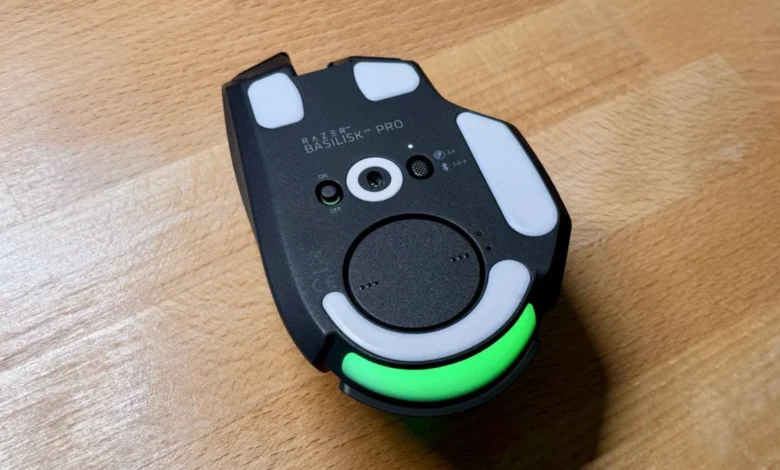
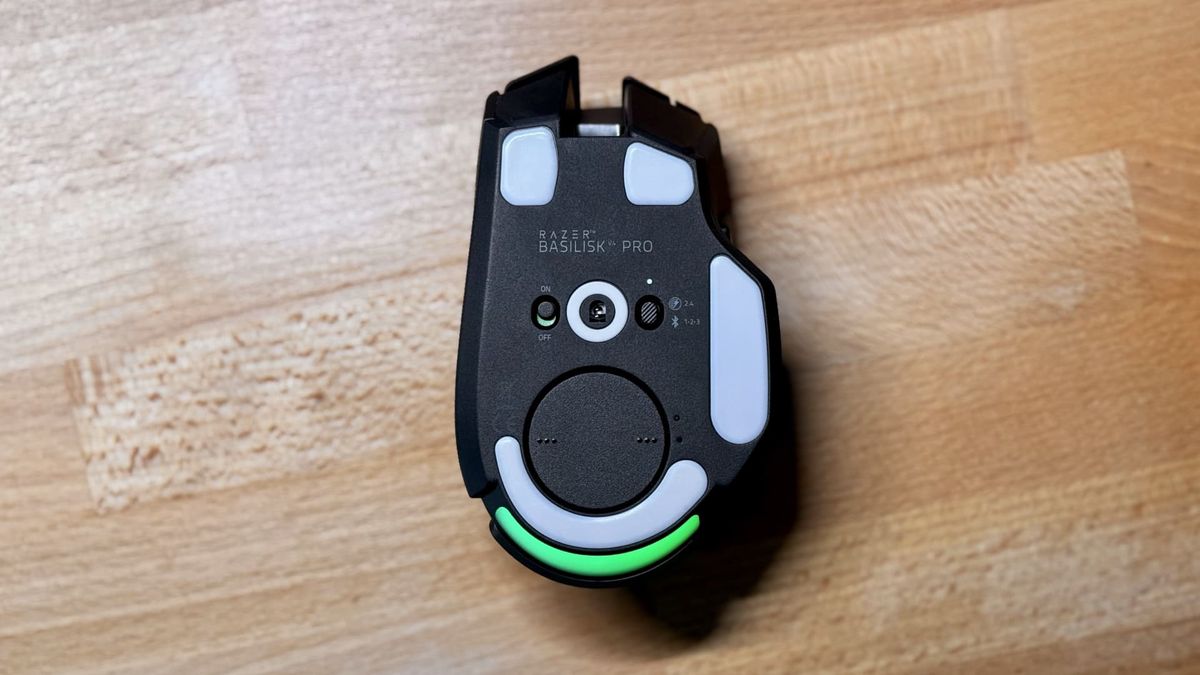
Under the hood, the device is powered by the Razer Focus Pro 50K Optical Sensor Gen-3, capable of a maximum sensitivity of 50,000 DPI. Connectivity options include Razer HyperSpeed Wireless Gen-2 (2.4GHz), Bluetooth LE, and a wired connection via a USB-A to USB-C cable. The polling rate reaches up to an impressive 8,000Hz in both wireless and wired modes, ensuring ultra-low latency for competitive play. Furthermore, the V4 Pro expands its utility by offering 14 programmable buttons, positioning it as a middle-ground solution between standard gaming mice and multi-button MMO options like the Razer Naga V3 Pro.
Chronology and Evolution of the Basilisk Line
The lineage of the Razer Basilisk dates back several years, establishing a loyal following among PC gamers who valued its thumb rest and customizable resistance scroll wheel. Over successive iterations, Razer has pruned unnecessary weight, upgraded sensor technology, and transitioned from wired-only designs to versatile wireless ecosystems featuring proprietary dongles and long-lasting internal batteries.
The predecessor, the Basilisk V3 Pro, introduced advanced wireless charging capabilities and improved optical switches. Building upon that foundation, the development of the V4 Pro focused heavily on battery longevity and tactile customization. Razer increased the theoretical battery life to up to 200 hours in 2.4GHz mode (at a 1,000Hz polling rate) and up to 275 hours on Bluetooth LE, provided the RGB lighting is completely disabled. However, real-world testing under mixed conditions—utilizing the 2.4GHz connection at a 1,000Hz polling rate with active RGB illumination—reveals a significant drop, yielding approximately 45 to 70 hours of continuous use on a full charge.
Design and Ergonomics: Comfort Meets Compromise
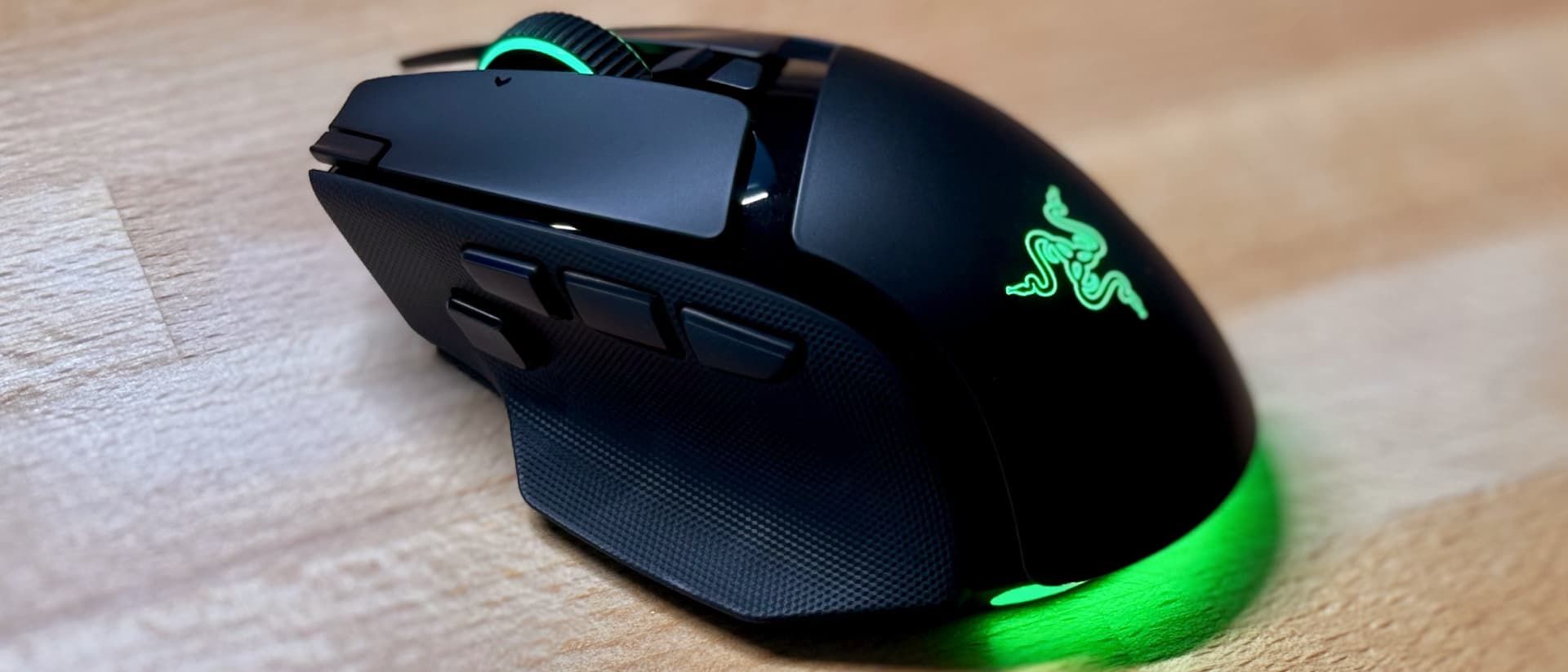
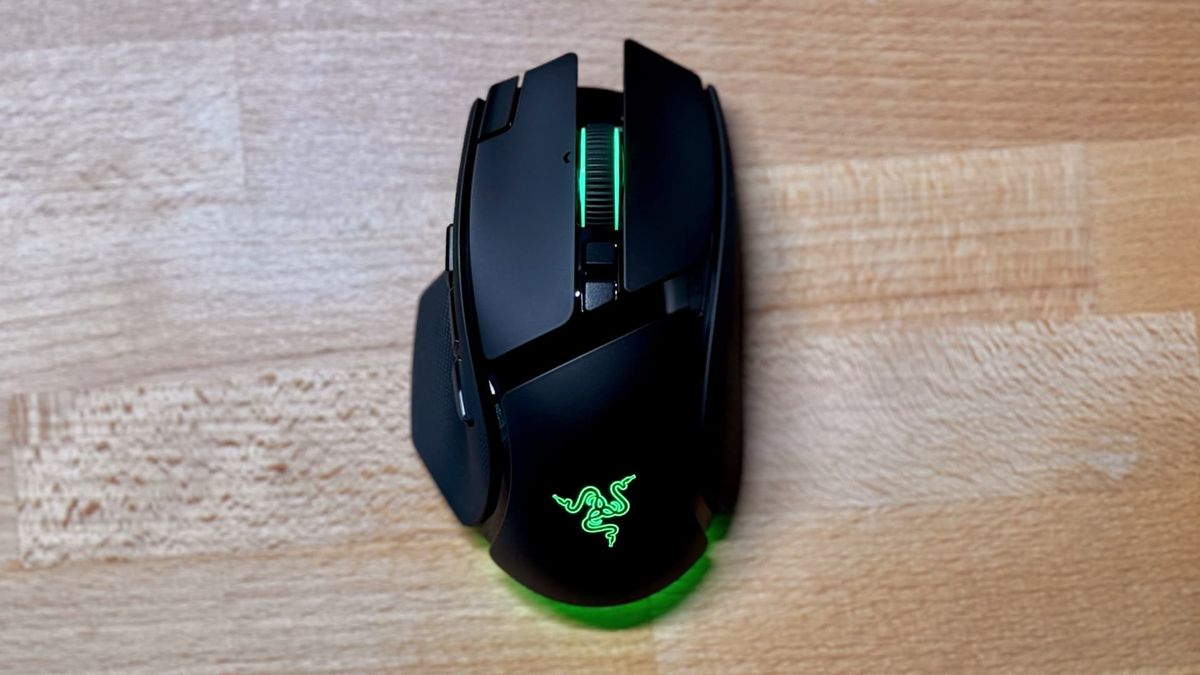
The physical construction of the Basilisk V4 Pro utilizes solid plastics complemented by textured, grippy rubber side panels designed to prevent slip during intense gaming sessions. The primary left and right click buttons incorporate optical switches that have been tuned to produce a softer, quieter actuation compared to alternatives like the Razer Viper V4 Pro. While not entirely silent, the acoustic profile is notably less piercing.
However, the addition of new inputs introduces ergonomic challenges. The inclusion of two extra buttons—one positioned on the top-left corner of the primary left click and another adjacent to the side buttons—increases the customization ceiling to 14 total controls. While power users may appreciate the mapping flexibility, these additions can disrupt established muscle memory for users accustomed to standard two-button side panels. Furthermore, users with smaller hands or those employing a fingertip grip may find certain buttons difficult to reach comfortably.
The HyperScroll Wheel: Innovation and Frustration
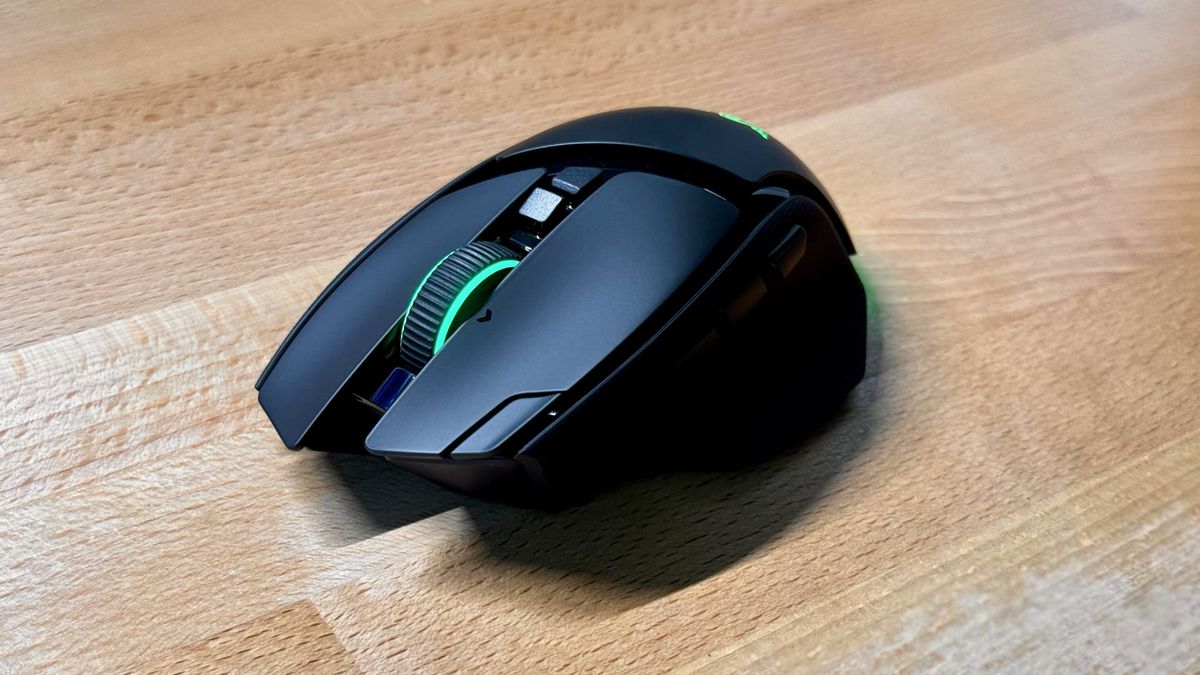
One of the most heavily marketed features of the Basilisk V4 Pro is its HyperScroll wheel, which supports tactile ratcheting, free-spinning modes, and Razer’s "Smart-Reel" technology. Configurable via the Razer Synapse software, Smart-Reel automatically transitions the wheel from ratcheted feedback to free-spinning momentum when flicked rapidly, reverting once the scroll slows down.
Despite its utility in navigating expansive documents and spreadsheets, the hardware implementation has drawn criticism. Transitioning between scrolling modes produces a loud, mechanical crunching sound that can become grating over extended periods. Additionally, the middle-click actuation feels notably soft and mushy, lacking the crisp precision found in competing models like the Logitech MX Master series or Razer’s own Viper line.
Software Features and Competitive Controversies
The Razer Synapse application unlocks deep customization for the V4 Pro, allowing users to rebind all 14 inputs, adjust sensor parameters, and manage lighting profiles. Among the more controversial software-enabled features is the "Perfect 180" function, which can be mapped to an auxiliary side button to instantly spin an in-game character around 180 degrees. This capability has sparked debate within the gaming community regarding competitive fairness, with industry observers suggesting such automated macro-style movements could face restrictions in regulated esports tournaments.
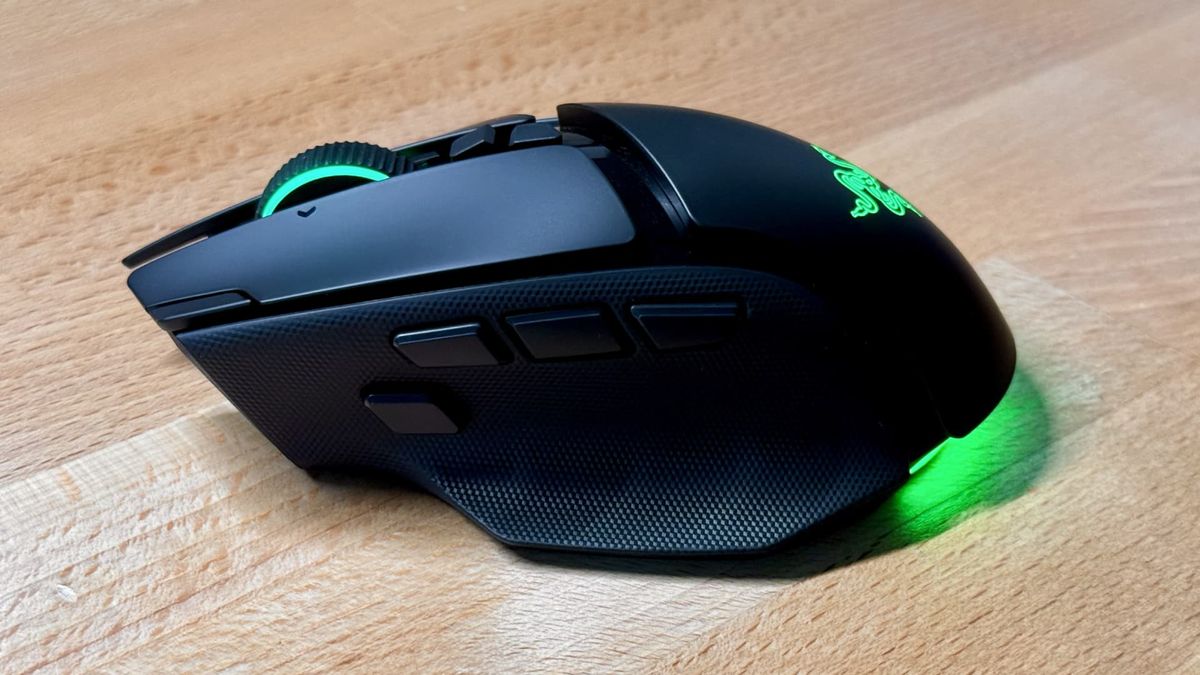
Additionally, the mouse features extensive Razer Chroma RGB lighting. While visually striking—particularly on dynamic settings such as Spectrum Cycling—critics note that the illumination is largely obscured by the user’s hand during operation. Given that lighting is a primary drain on the device’s battery, analysts suggest that omitting or reducing the RGB arrays could have extended operational runtimes further.
Market Positioning and Alternatives
Priced at $169.99 / £169.99 / $289.95 AUD, the Razer Basilisk V4 Pro occupies the premium tier of the gaming peripheral market. For consumers weighing their options, several competing devices offer distinct advantages:
- Logitech G502 X Plus: A direct competitor featuring a remarkably similar ergonomic profile, multi-button layout, and robust wireless performance, making it a primary alternative for palm-grip enthusiasts.
- Corsair Nightsword V2 Wireless: A more affordably priced option that emphasizes ergonomic customization, physical weight tuning, and long battery life for high-paced titles.
Fact-Based Analysis of Implications
The release of the Basilisk V4 Pro highlights a recurring engineering challenge in the high-end gaming mouse sector: feature bloat versus operational refinement. By attempting to cater simultaneously to productivity users, casual gamers, and competitive esports players, Razer has created a device that excels in versatility but compromises on specialized execution. The inclusion of advanced sensors and high polling rates guarantees top-tier tracking performance, yet mechanical shortcomings in the scroll wheel and ergonomic hurdles for smaller hands prevent it from achieving universal acclaim.
For consumers with larger hands who utilize a palm grip and prioritize high button counts, robust software integration, and long-range wireless connectivity, the Basilisk V4 Pro remains a formidable, albeit expensive, choice. However, budget-conscious buyers or those seeking a lightweight competitive edge may find greater value in streamlined alternatives.