Gemini Notebook Introduces Built-In Audio Recorder for Android and iOS Along With Streamlined Interface Updates

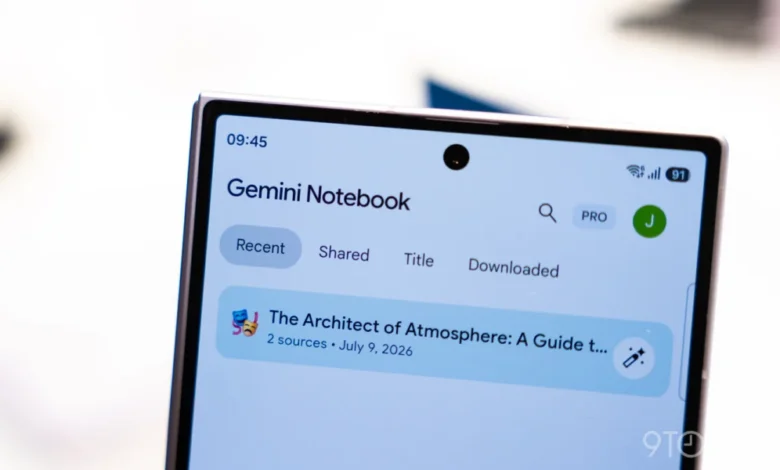
Google has officially rolled out a native audio recording feature for Gemini Notebook across both Android and iOS platforms, marking another significant milestone in the rapid evolution of the AI-powered productivity tool. First teased by the technology giant during a preview announcement in September, the new functionality transforms mobile devices into dynamic capture tools, allowing users to record lectures, meetings, and spontaneous ideas directly within their digital workspace. This latest update follows closely on the heels of several major productivity-focused releases, including Connected App integration and a real-time conversational "Live" mode, signalling Google’s aggressive strategy to cement its ecosystem as an indispensable hub for researchers, students, and professionals alike.
The newly integrated audio recorder is positioned strategically within the application’s mobile layout. Situated directly between the camera shortcut and the "Create New" floating action button at the bottom of the screen, a clean microphone icon now grants immediate access to audio capture capabilities. Depending on where the user initiates the recording, the software exhibits contextual flexibility: launching the recorder from the primary homepage automatically generates a brand-new notebook based on the captured audio file, whereas tapping the microphone from within the Sources tab seamlessly attaches the recording to an existing project. Google has emphasized that these transcribed and recorded notes live directly alongside traditional sources, empowering users to interact, cite, and continuously build upon their audio data while making real-time edits.
User Interface and Technical Specifications
Designed with simplicity and efficiency in mind, the recording interface minimizes distractions while offering robust functional controls. Once a session begins, a Gemini Notebook-themed waveform and a live duration counter appear prominently on the display, accompanied by standard pause and checkmark buttons. The checkmark functions as the definitive action to conclude the session and initiate the cloud upload process.
Recognizing the practical demands of mobile productivity, Google has engineered the recorder to operate seamlessly in the background. Users retain the freedom to switch between multiple applications or lock their device screens entirely without interrupting the capture process. However, the system imposes a strict one-hour capture limit per individual recording session to manage data processing and file sizes efficiently.
For users who cannot immediately locate the new feature, Google has advised performing a force stop of the Gemini Notebook application on Android or iOS to trigger a manual refresh of local client assets, ensuring the server-side rollout takes full effect on compatible devices.
Streamlining the User Journey: Interface Tweaks and Shortcuts
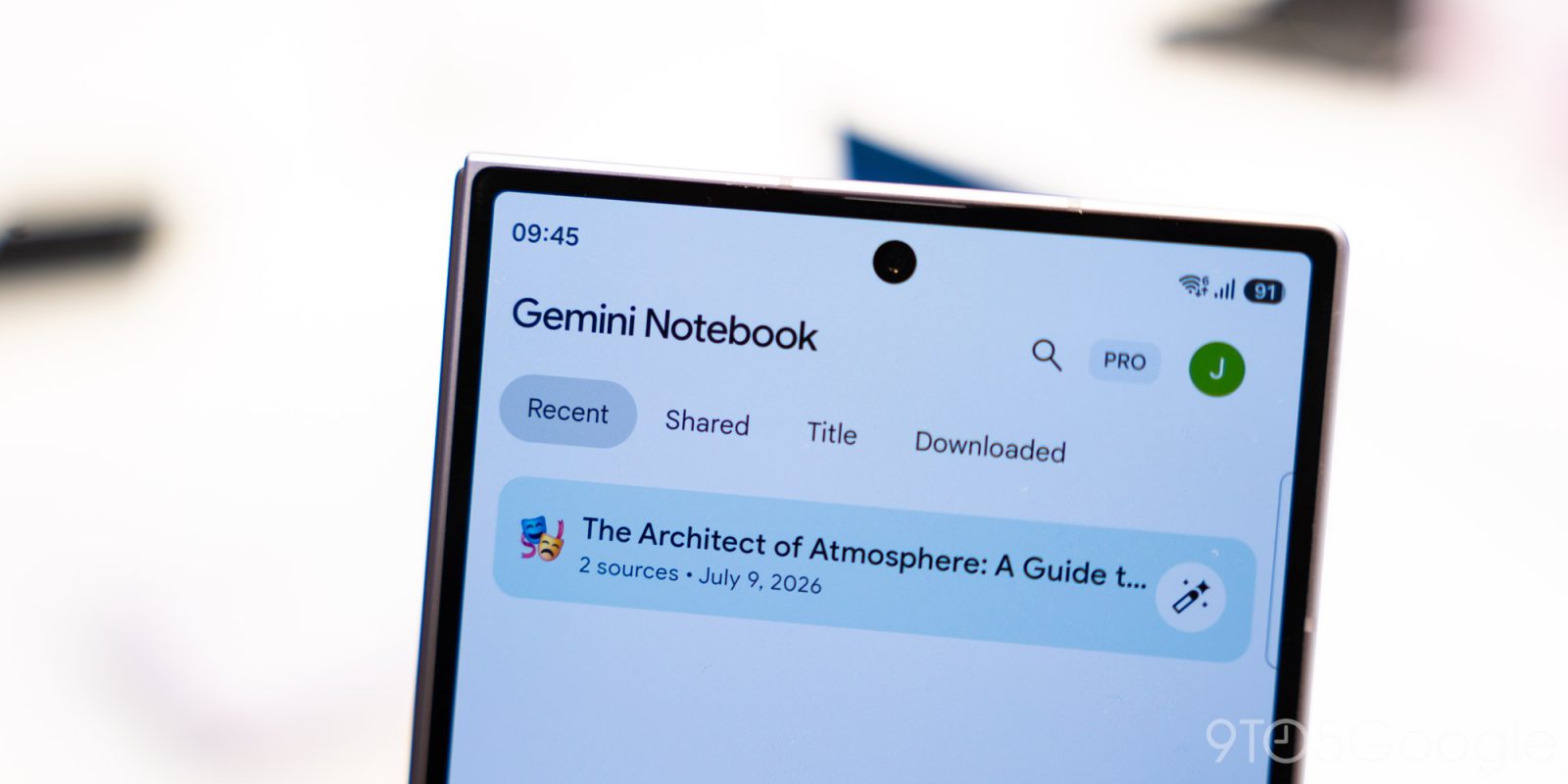
Alongside the audio recorder deployment, Google has implemented a subtle yet impactful user experience modification designed to reduce friction during daily workflows. Previously, tapping the prominent "Create New" floating action button would trigger an interactive panel sliding upward to prompt the user to "Add a source."
Following the latest client-side update, pressing the "Create New" button now instantly generates a fresh notebook. This streamlined shortcut eliminates an unnecessary navigational step, reflecting ongoing telemetry-driven improvements aimed at accelerating how quickly users can transition from an idea to a structured document.
These incremental refinements arrive mere weeks after the introduction of Connected App integration, which allows the platform to pull and synthesize data from various external software ecosystems. Furthermore, the recent debut of the "Live" button within the Chat tab has fundamentally altered user interaction, enabling fluid, real-time spoken conversations with the contents of an individual’s notebooks. Together, these features construct a cohesive, multimodal environment where text, audio, and external data sources converge under a unified artificial intelligence framework.
Background Context and the Evolution of AI Notebooks
The genesis of Gemini Notebook stems from a broader industry trend toward context-aware generative artificial intelligence that respects user-defined boundaries and private data repositories. While large language models initially gained widespread adoption through broad, general-purpose chat interfaces, the limitations of ungrounded responses quickly became apparent in academic and professional settings. Tools designed to ingest specific documents, transcripts, and source materials—colloquially referred to as notebook-style interfaces—have rapidly emerged as the preferred paradigm for knowledge management.
Google’s entry into this specialized market was built upon the formidable multimodal capabilities of the Gemini foundation models. By combining high-speed transcription engines with deep semantic understanding, the platform bridges the gap between raw unstructured data—such as spoken lectures or ambient meeting noise—and structured, actionable insights. The inclusion of a native mobile audio recorder directly addresses a critical workflow bottleneck: the friction traditionally required to record audio on a smartphone, export the file, upload it to a desktop environment, and subsequently generate summaries. By internalizing this pipeline, Google has minimized the operational overhead of knowledge capture.
Chronology of Recent Updates
The rollout of the mobile audio recorder represents the latest in a dense schedule of product deployments for Gemini Notebook over the past several months:

- September: Google formally announces the upcoming audio recorder feature during a product roadmap preview, setting expectations for a late-year release.
- Mid-October: Connected App integration is introduced, allowing users to bridge external software data directly into their notebooks.
- Late October: The real-time "Live" button launches in the Chat tab, introducing conversational voice interactions with stored notes.
- Current Rollout: The native audio recorder officially deploys globally across Android and iOS platforms, accompanied by a streamlined "Create New" shortcut button.
Industry Implications and Strategic Analysis
From a strategic perspective, the continuous enhancement of Gemini Notebook underscores Google’s commitment to capturing the high-value productivity and enterprise software markets. As remote and hybrid work models remain standard across global industries, tools that automate the tedious aspects of documentation—such as meeting transcription, source citation, and synthesis—deliver measurable return on investment for knowledge workers.
By embedding these capabilities directly into the operating systems and mobile hardware ecosystems it commands, Google creates a compounding advantage over standalone third-party competitors. An Android or iOS user who can pull out their phone, record a one-hour seminar, lock their screen, and immediately query the resulting transcript using real-time voice commands is far less likely to adopt fragmented, single-purpose productivity applications.
Nevertheless, challenges remain. The one-hour capture limit, while sufficient for the vast majority of academic lectures and standard business meetings, may require adaptation for exceptionally long conferences or all-day legal depositions. Additionally, as automated transcription and AI synthesis become ubiquitous, user trust will increasingly rely on data privacy guarantees, accuracy in complex domain-specific terminology, and the transparency of source citations.
As Google continues to refine the Gemini Notebook interface, industry analysts anticipate further deep-level integrations with productivity suites, operating system shortcuts, and enterprise security frameworks. For now, the deployment of the mobile audio recorder provides millions of users with a frictionless, pocket-sized research assistant capable of turning spoken word into structured intelligence with a single tap.