Googlebook November update addresses critical memory management and hardware stability issues for the Snapdragon X Elite platform

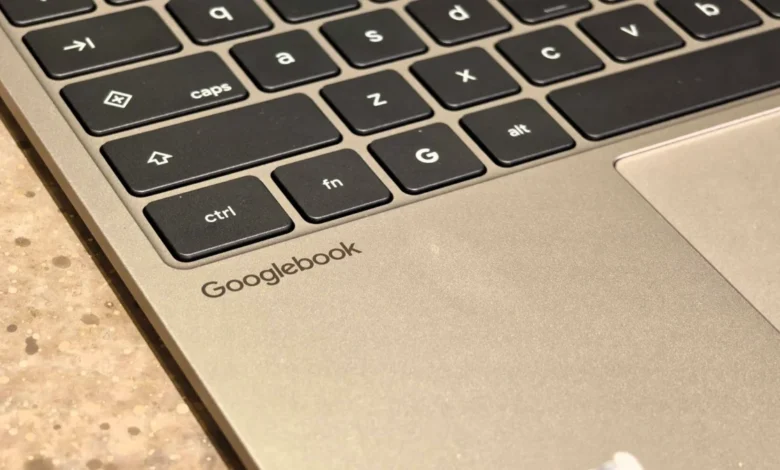
Google has officially commenced the rollout of its November 2026 firmware update for the Googlebook, a significant software release designed to rectify persistent performance bottlenecks and hardware-related bugs that have hindered the user experience since the device’s market debut. The update, identified by build number CL3B.260622.286.R2, represents the first major effort by Google to refine the software stack of its flagship Snapdragon X Elite-powered laptops, focusing heavily on optimizing the integration between the onboard Neural Processing Unit (NPU) and the operating system’s memory management architecture.
Addressing the Memory Management Crisis
The primary objective of this update is to resolve the aggressive memory consumption previously associated with Googlebook’s on-device artificial intelligence services. Prior to this patch, users frequently encountered system sluggishness and unexpected application crashes, particularly when multitasking between resource-intensive browser tabs and AI-driven background processes. According to technical documentation and developer insights shared via community platforms, Google has implemented a comprehensive overhaul of the NPU driver and the AICore memory management subsystem.
This optimization successfully reclaims between 3GB and 6GB of system RAM—a substantial gain for users operating on the standard 16GB memory configuration. By streamlining how the operating system handles the interplay between Chrome’s process architecture and AI-service memory allocation, Google has effectively reduced the frequency of "tab discarding," a behavior where the browser automatically reloads inactive pages to free up memory. This improvement is expected to have a tangible impact on professional workflows, where users often maintain dozens of active browser tabs alongside specialized web applications.
A Chronology of the Googlebook Rollout
The launch of the Googlebook earlier this year marked a pivotal shift for Google’s hardware division, moving from traditional x86-based architectures to the high-performance ARM-based Snapdragon X Elite platform. While the transition offered superior battery efficiency and thermal performance, the early software build was marred by inconsistencies.
The launch timeline followed a period of intense hype at the Snapdragon Summit, where the device was positioned as the primary competitor to premium Windows and macOS laptops. However, post-launch feedback identified a series of "Day One" challenges:
- Initial Launch (Q3 2026): Early adopters noted issues with external display connectivity, erratic input behavior in convertible laptop/tablet modes, and occasional system-wide instability when engaging high-performance AI features.
- Intermediate Maintenance (October 2026): Google issued minor hotfixes focusing on security vulnerabilities and basic driver stability, though many of the deeper memory management concerns remained unresolved.
- The November Update (Current): Representing a comprehensive software stabilization effort, this update addresses the core architectural conflicts between the Linux-based kernel, the AI middleware, and third-party software compatibility.
Technical Implications and Hardware Stability
Beyond memory management, the November update introduces critical fixes for hardware-level peripheral interactions. One of the most frequently reported frustrations among early users involved convertible devices losing keyboard and touchpad responsiveness when transitioning between laptop and tablet orientations—a critical failure for a device marketed for its versatility. The November patch introduces a more robust sensor-polling algorithm to ensure that input devices remain active regardless of the chassis position.
Furthermore, the update corrects a series of media playback and conferencing issues that had hindered enterprise adoption. Users previously reported that Zoom calls would abruptly crash when utilizing resource-heavy features such as 3D avatars, background blurring, or simulated lighting filters. By optimizing the GPU acceleration pipeline for these specific tasks, the update ensures that communication software remains stable during video conferencing.
External display support has also seen a significant upgrade. Historically, users attempting to stream Digital Rights Management (DRM)-protected content, such as Netflix or premium streaming services, via an external monitor were often met with a black screen or playback errors. The November update includes updated Widevine DRM handling, enabling seamless high-definition output to external displays. Additionally, the patch resolves compatibility issues with professional-grade USB microphones and multi-channel audio interfaces, a development that will be welcomed by creators and media professionals.
Linux Integration and Security Enhancements
As a platform that caters to a diverse user base, including software developers, the Googlebook relies heavily on its integrated Linux Terminal. The November update brings a suite of improvements aimed at the developer community, specifically targeting the reliability of Linux shell sessions. Developers had previously reported that closing terminal tabs resulted in memory leaks, while system sleep states often severed active SSH sessions. The new update mitigates these issues and optimizes the way Linux virtual machines (VMs) are updated, ensuring that user data and custom configuration files remain intact during the update process.
Security remains a cornerstone of the release. The update integrates the Android security patch dated November 1, 2026, which remediates approximately 60 known vulnerabilities across the system. Furthermore, the inclusion of an updated Linux 6.18 kernel, paired with refined firmware for the Ti50 security chip, addresses reports of unexpected system restarts and aggressive fan noise. By improving the power-management firmware for the Ti50 chip, Google has managed to stabilize the thermal profile of the machine, resulting in quieter operations under moderate workloads.
Official Rollout and User Reception
The update is currently being distributed in waves to support a broad ecosystem of hardware partners, including Dell, HP, Lenovo, ASUS, and Acer. While the rollout is automatic, users may check for the update manually by navigating to Settings > System > System Update.
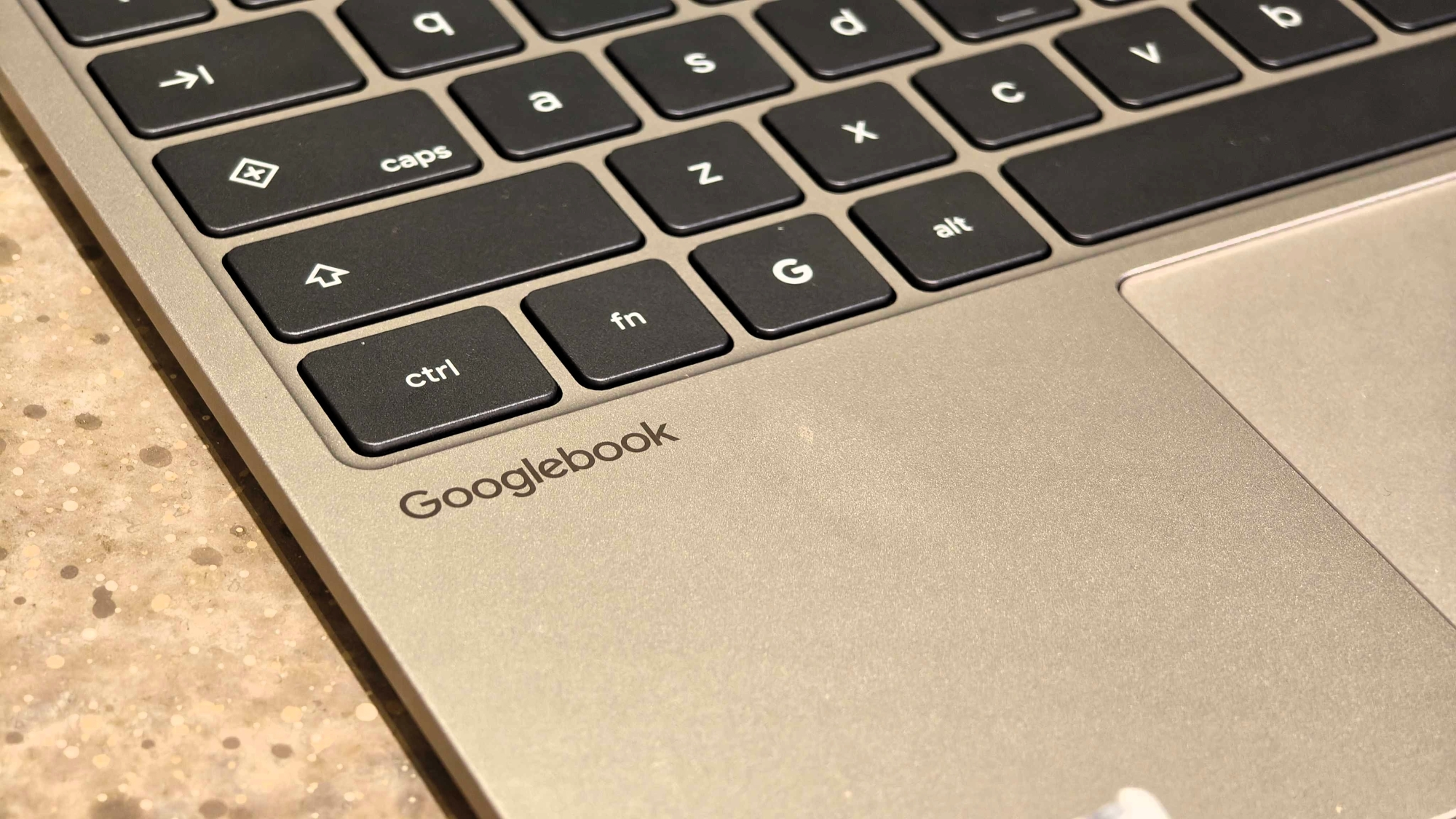
Initial feedback from the user community has been largely positive, with reports of improved snappiness and better thermal management following the installation of the patch. However, the update is not without its minor imperfections. A subset of users has documented residual bugs, specifically regarding the Chrome browser’s spell-check functionality and sporadic synchronization delays with notifications after the device wakes from a prolonged sleep state.
Analysis of the Software-Hardware Balance
The November update highlights the ongoing challenge of integrating advanced, power-efficient hardware with a feature-rich, AI-heavy operating system. The Googlebook is a sophisticated piece of engineering, yet its success is ultimately contingent on the stability of its software layer. By proactively addressing memory management and kernel-level drivers, Google is signaling a commitment to the longevity of the Snapdragon X Elite platform.
From a market perspective, this update serves as a "re-launch" of sorts. By resolving the most glaring technical omissions from the device’s release state, Google is aiming to restore consumer confidence. The ability to manage system resources more efficiently while maintaining high-end AI performance is a difficult technical hurdle to clear. If this update successfully sustains long-term stability, it could serve as a blueprint for how future ARM-based laptop architectures are optimized.
As the device continues to mature, industry observers will be monitoring how Google balances the demands of on-device AI with the practical realities of mobile computing. For now, the November update provides a much-needed level of reliability that positions the Googlebook as a more viable candidate for both professional and personal use cases. Users are encouraged to install the update promptly to benefit from the security patches and performance improvements, while keeping a watchful eye on community forums for further refinements in subsequent maintenance releases.