Google Messages is Rolling Out Major Gesture and Interface Overhauls for Android Users

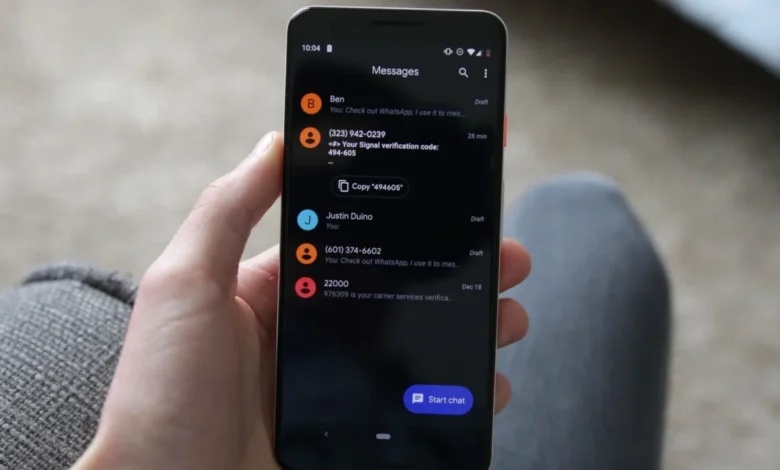
Google is currently deploying a significant update to its native Messages application, fundamentally altering how Android users interact with their conversation threads. These changes, which have been spotted in recent stable builds, represent the most comprehensive overhaul of the app’s user interface and navigation gestures in recent years. The update focuses on streamlining productivity, improving accessibility, and modernizing the visual feedback loop for millions of users worldwide.
The Shift in User Interface Paradigms
For years, the Google Messages experience was defined by a top-mounted toolbar that appeared upon long-pressing a message bubble. This design, while functional, often created a disconnect between the user’s focus area—the specific message—and the available actions. The new update shifts this paradigm by introducing a floating menu that appears in close proximity to the selected message bubble.
When a user performs a long-press on a message, the interface now triggers a contextual floating menu. This menu provides immediate access to primary functions such as "Reply," "Forward," "Copy," "Star," "Delete," "Select more," and "Info." For media-heavy messages, such as those containing photos or videos, the menu expands to include specialized actions like "Save" and "Remix." To further emphasize the contextual nature of this action, the conversation background now automatically blurs, effectively isolating the selected message and its associated options from the rest of the chat.
This design philosophy aligns with Google’s broader "Material You" design language, which emphasizes contextual awareness and fluid animations. By moving controls away from the top of the screen, Google is minimizing thumb travel distance, thereby improving the ergonomics of the application for users with larger handsets.
Enhancing Text Manipulation and Data Extraction
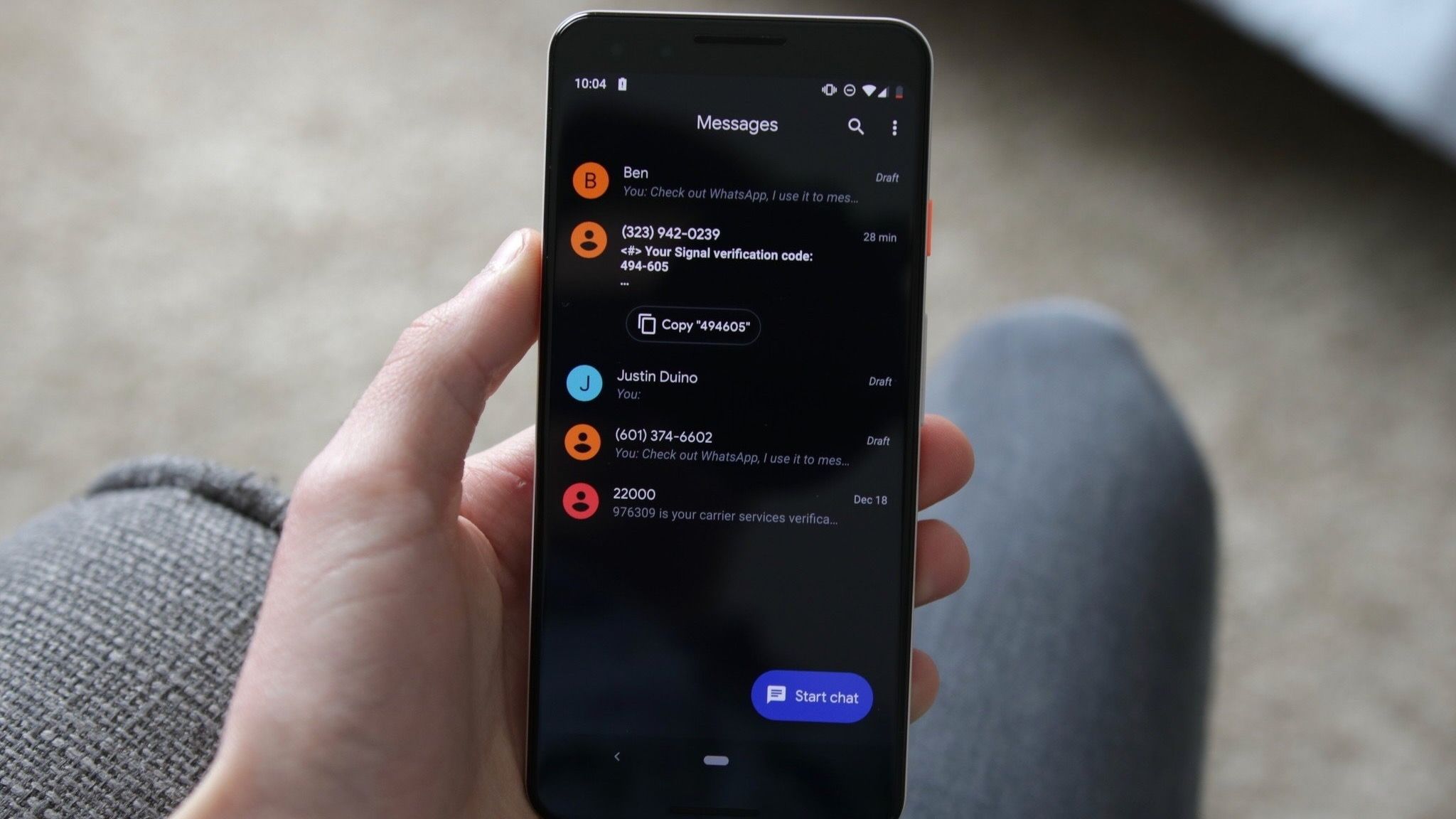
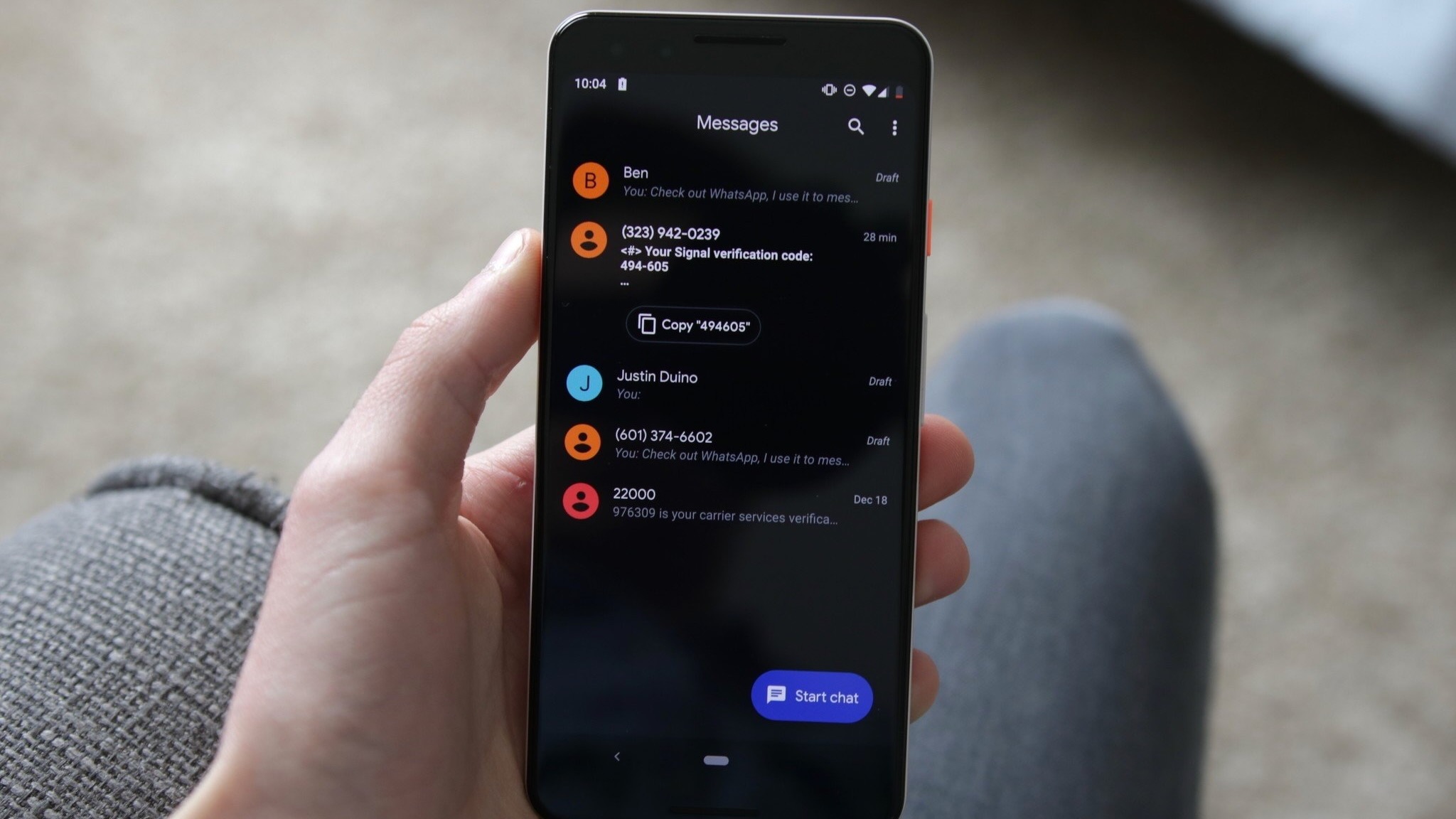
A long-standing point of friction for Android users has been the inability to selectively copy specific portions of a message. Historically, users were forced to copy an entire text bubble, even if they only required a specific piece of information, such as a physical address, a phone number, or a verification code.
The latest update addresses this by enabling refined text selection. After the initial long-press, users can interact with the message again to highlight specific segments of text. This capability extends beyond plain text; Google has confirmed that these enhanced touch-and-hold actions are now compatible with images, videos, hyperlinks, files, location pins, and contact cards. This granular control is expected to significantly reduce the time spent editing copied information in third-party applications, essentially turning the Messages app into a more robust tool for data extraction.
Redefining Navigational Gestures
Perhaps the most significant challenge for long-term users will be the adjustment to new navigational gestures. Muscle memory plays a critical role in daily mobile usage, and the new gesture suite requires a fundamental recalibration of how users browse their conversation history.
Under the new system, swiping left anywhere within a conversation thread triggers the display of message timestamps and the RCS (Rich Communication Services) encryption status for each individual message. This is a departure from the previous method, which often required users to tap into specific message details to confirm when a transmission occurred.
Conversely, the "Reply" functionality has been mapped to a right-swipe gesture directly on the message bubble. While tapping on a message still reveals read receipts, the app now provides temporary on-screen cues—briefly flashing timestamps—to guide users through these new interaction patterns.
Chronology of the Development
The path to this update has been visible through a series of incremental changes identified by the Android developer community.
- Mid-2025: Initial rumors of a UI overhaul began circulating within enthusiast communities, primarily driven by findings in APK teardowns conducted by tech outlets. These early reports suggested that Google was experimenting with floating context menus.
- Early 2026: Google began A/B testing these features with a limited segment of the user base. This phase allowed the company to collect telemetry data on how users interacted with the new floating menus versus the traditional top-bar approach.
- September 2026: The rollout reached a critical mass, with builds such as 20260910_03_RC02 beginning to push the features to a wider stable audience.
- Current Status: As of late 2026, the rollout remains server-side. This means that even users on the latest version of the application may not see these features immediately, as Google continues to enable them in waves to ensure system stability.
Strategic Implications for the RCS Ecosystem
The decision to display the encryption status prominently via the left-swipe gesture is not merely a design choice; it is a strategic effort by Google to reinforce user trust in the RCS protocol. By making the "end-to-end encrypted" status visible with a simple gesture, Google is actively educating the average consumer on the security standards of their messaging platform.
In an era where digital privacy is a primary concern for consumers, providing transparency in communication is essential. The inclusion of this data in the gesture-based UI suggests that Google views RCS not just as a replacement for SMS, but as a premium, secure communication tool that rivals encrypted platforms like Signal or WhatsApp.
Analysis of Operational Impact
From a productivity standpoint, the ability to scan an entire conversation’s timeline via the left-swipe gesture is a marked improvement. In long-running group chats or professional threads, identifying the chronological order of events is often necessary for context. Previously, this required multiple taps to enter individual message information screens. By flattening the information architecture, Google has made the conversation history significantly more "scannable."
However, there is a risk of "gesture fatigue." As Android applications continue to adopt more complex gesture-based navigation, the learning curve for the average user increases. The reliance on subtle animations to convey the new functionality—such as the background blur—is a clever way to provide feedback, but it assumes a level of digital literacy that may prove challenging for less tech-savvy users.
Industry Reactions and Future Outlook
While Google has not released a formal press release regarding these specific UI changes, the documentation provided via support pages confirms the functionality is intended to be a permanent fixture of the application.
Industry analysts suggest that this update is part of Google’s long-term strategy to unify the Android user experience. By standardizing these gestures, Google is creating a consistent language that users will eventually encounter across other Google-branded services. This consistency is vital as Google continues to push for wider RCS adoption among telecommunications carriers globally.
As the rollout continues, the primary challenge for Google will be ensuring that these new gestures do not conflict with existing system-wide navigation gestures, such as the "back" swipe common in Android 14 and 15. Initial reports from early adopters suggest that the app handles these conflicts gracefully, prioritizing the message-level interaction when a user interacts with a bubble directly.
Conclusion
The current update to Google Messages is a testament to the company’s focus on iterative refinement. By prioritizing ergonomic design, enhanced data manipulation, and transparent security indicators, Google is attempting to evolve the standard messaging experience into a more professional, efficient, and secure environment. While the transition will require users to unlearn years of ingrained habits, the long-term benefits—specifically in terms of speed and accessibility—position the app to remain the dominant messaging platform in the Android ecosystem for the foreseeable future.
As the server-side update continues to propagate globally, users are encouraged to explore the new gestures, particularly the right-swipe reply and the left-swipe timestamp view, to fully leverage the updated capabilities of their messaging suite.