Google Rolls Out Comprehensive Redesign of Gemini App Side Panel and Settings on Android Devices Following Cross-Platform Launch


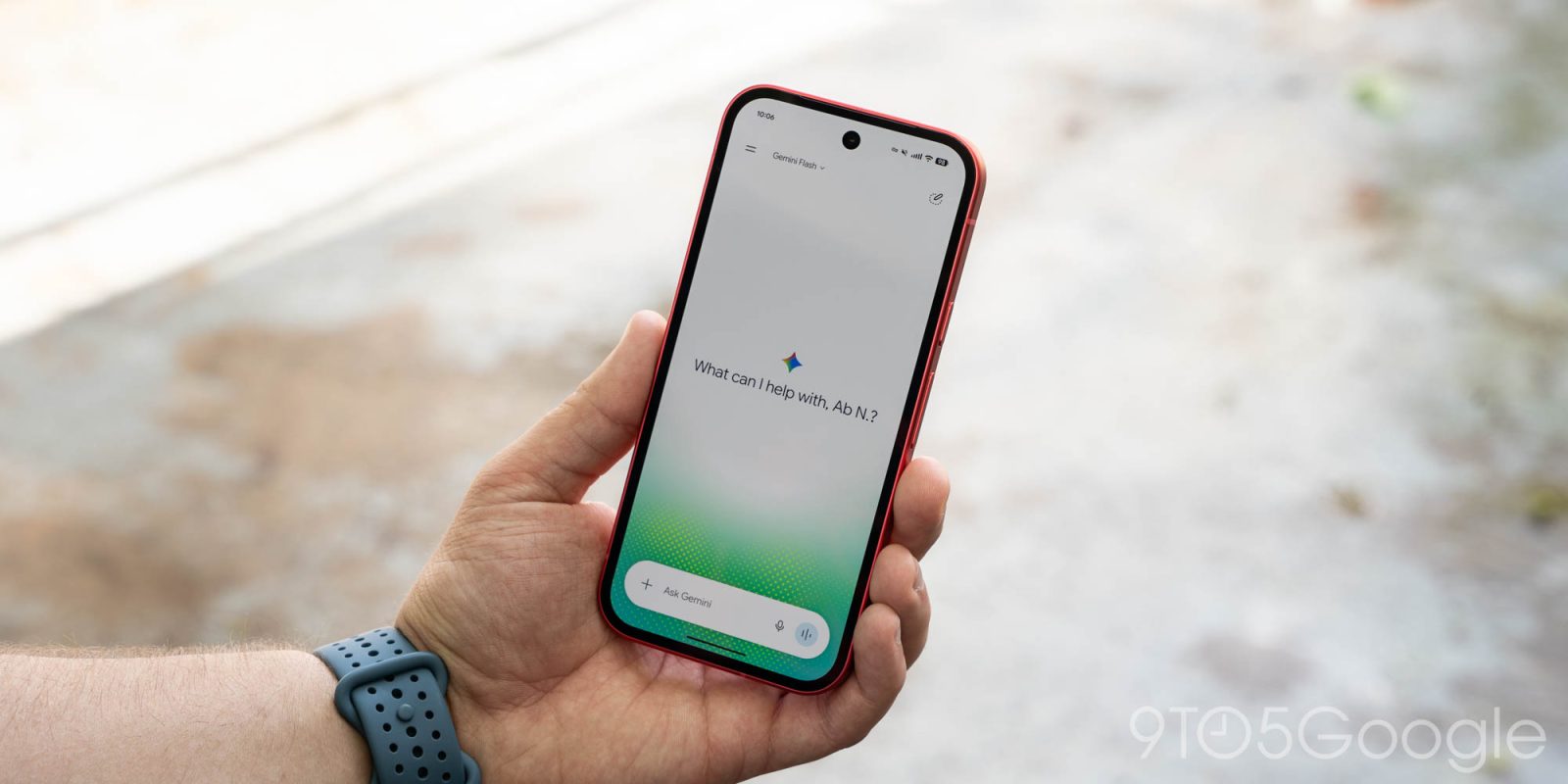
Google has officially begun rolling out a major visual and structural overhaul for the Gemini application on Android devices, bringing a streamlined side panel and a unified settings menu to mobile users. This latest update follows closely on the heels of the recent Spark-to-Task interface shift and builds upon the cross-platform deployment that initially reached iOS, macOS, and the web application last week alongside the rollout of Gemini 4 Argon. The current Android deployment, delivered via a server-side update, aims to reduce interface clutter, optimize user navigation, and consolidate fragmented preference menus into a single, cohesive hub.
The evolution of generative artificial intelligence interfaces has increasingly prioritized user experience and accessibility. As AI models like Gemini integrate deeper into daily productivity, mobile navigation must adapt to handle an expanding suite of features without overwhelming the user. Google’s latest redesign reflects this industry-wide shift toward modular, streamlined design patterns across major operating systems.
Streamlined Navigation and Restructured Side Panel Architecture
At the forefront of the Android redesign is a complete restructuring of the Gemini side panel, designed to prioritize high-frequency user actions while maintaining a clean aesthetic. Google has relocated the search function to the top-right corner of the interface, positioning it for immediate access. Directly below, the structural hierarchy of the primary menu items has been altered.
The New chat option remains securely anchored at the top of the list, but it is now immediately followed by the Library option, replacing its previous position near the bottom of the drawer. This adjustment acknowledges user behavior analytics, which show that quick access to past libraries and chat archives is among the most common user pathways.
To prevent the navigation drawer from becoming unwieldy, Google has implemented a display cap for standard users. Gemini now surfaces only the top five items by default before truncating the remaining options behind a collapsible “More” expansion button. However, for subscribers utilizing an AI Ultra tier, the comprehensive menu list is expanded to accommodate advanced features. For these premium users, the full vertical array includes:
- New chat
- Library
- Images
- Scheduled
- Daily brief
- Customize
- Students
- Videos
- Gems
This tiered presentation ensures that casual users encounter a simplified interface, while power users and subscribers retain immediate, organized access to specialized AI tools and task automation shortcuts.
Consolidation of the Settings Menu
In tandem with the side panel adjustments, Google has overhauled the application’s settings framework. Previously, user preferences were fragmented, split awkwardly between the account management menu and a separate “Gemini Settings” sub-interface. This structural division often led to user confusion when attempting to modify notification parameters, voice outputs, or integration controls.
With the new update, Google has consolidated all preference controls into a single, unified Settings page. The account menu has been streamlined and now serves strictly its foundational purpose: facilitating account switching, submitting user feedback, and accessing help documentation.
The newly centralized Settings page opens with prominent sections for managing the user profile and monitoring usage limits. Below these foundational metrics lies an extensive array of preference categories. The refreshed layout includes controls for:
- Notifications
- Personal Intelligence
- Avatar settings
- Task settings
- Theme preferences (introducing a long-awaited dedicated dark/light mode toggle)
- Skills
- Voice configuration
- Media management
- Device controls
- Cart and orders integration
- Gemini Notebook
This comprehensive grouping eliminates the need to navigate back and forth between disparate menus, aligning the Android application architecture with modern desktop and web standards.
Chronology of the Gemini 4 Argon and Cross-Platform Rollout

The deployment of these interface changes on Android is the latest milestone in a rapid series of updates deployed by Google throughout the final quarter of the year.
The timeline of recent Gemini application deployments highlights Google’s aggressive iteration cycle:
- Early October: Google introduces the Spark-to-Task update, laying the groundwork for deeper task automation and structural changes within the mobile UI.
- Mid-October (Week Prior): Google launches Gemini 4 Argon across iOS, macOS, and the web application. This release introduces the updated side panel design and unified settings infrastructure to non-Android ecosystems.
- Late October: Following the successful desktop and Apple ecosystem deployment, Google initiates a wide, server-side rollout of the exact same interface paradigm to Android devices globally.
Because this latest phase is being deployed via a server-side update rather than a traditional Google Play Store application package update, users may see the changes manifest at slightly different times depending on their geographic region, account tier, and device configuration. No manual update is required from the end user.
Implications for Productivity and User Experience
From an analytical standpoint, the unification of settings and the rationalization of the side panel represent more than mere cosmetic adjustments. As artificial intelligence models evolve from conversational chatbots into autonomous agents capable of handling complex workflows—such as shopping cart management, scheduling, and device controls—the user interface must scale accordingly.
Fragmentation in settings menus has historically been a friction point for power users adopting complex software ecosystems. By centralizing features like Personal Intelligence, Task settings, and Gemini Notebook into a single scrollable pane, Google reduces the cognitive load required to customize the AI’s behavior. Furthermore, the intelligent truncation of the side panel balances the demands of advanced subscribers—who require access to features like Gems, Videos, and Scheduled prompts—with the minimalist preferences of standard consumers.
As competition intensifies in the consumer artificial intelligence sector, polish and usability will serve as crucial differentiators. Google’s methodical alignment of the Gemini interface across Android, iOS, macOS, and the web underscores a commitment to a unified ecosystem experience, ensuring that whether a user interacts with Gemini via a smartphone in transit or a desktop workstation in an office, the structural paradigm remains consistent and predictable.