Asus Zenbook 14: A Comprehensive Review of the New Snapdragon-Powered Office Workhorse

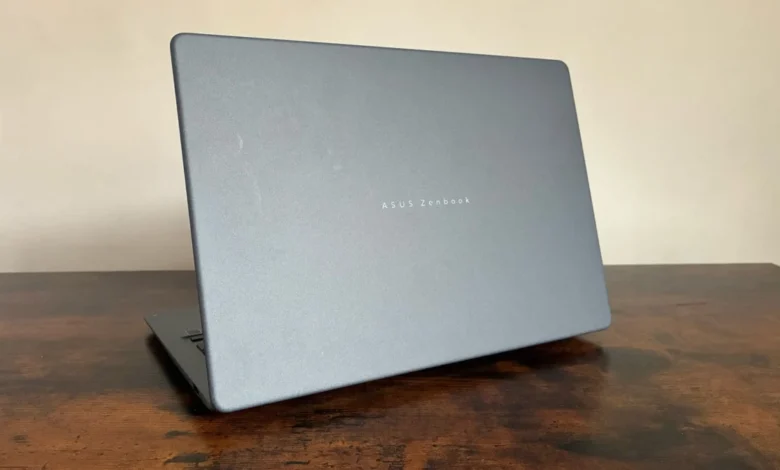
Asus has officially expanded its Copilot+ PC portfolio with the introduction of the new Zenbook 14, a device that aims to democratize access to Qualcomm’s Snapdragon X architecture. While the manufacturer made waves earlier this spring with the launch of the high-end Zenbook A14, this latest iteration enters the market at a significantly more accessible price point of £799.99. By stripping away some of the premium excess of its predecessor while retaining the core architectural benefits of the Snapdragon X chipset, Asus is positioning this machine as the definitive choice for professionals seeking a balance between performance, mobility, and cost-efficiency.
The Evolution of the Zenbook Lineup
The release of the Zenbook 14 follows a clear industry shift toward ARM-based Windows computing. Throughout 2024, the laptop market has been defined by a transition from traditional x86 processors to the more power-efficient Qualcomm Snapdragon X platform. The initial wave of devices, including the Zenbook A14, targeted the premium segment, offering top-tier performance for power users. However, feedback from enterprise customers and individual professionals suggested a demand for a more utilitarian, cost-effective version of this hardware.
The chronology of this rollout highlights Asus’s strategic adjustment. Following the spring launch of the A14, which utilized the more powerful X2 Elite silicon, the company identified a gap in the market for a mid-range device. By removing the ‘A’ designation and optimizing internal specifications—specifically by adjusting RAM capacity and storage configurations—Asus has successfully brought the price down under the psychological £800 threshold, effectively broadening its appeal to students and office-bound professionals.
Design and Industrial Engineering
The Zenbook 14 maintains the signature aesthetic that has come to define the series. The chassis is constructed from what Asus terms "Ceramic Ceraluminium," a material that combines the structural rigidity of aluminum with a specialized finish that offers both smudge and shock resistance. This is particularly relevant for mobile professionals who require a device that remains pristine despite frequent transport.
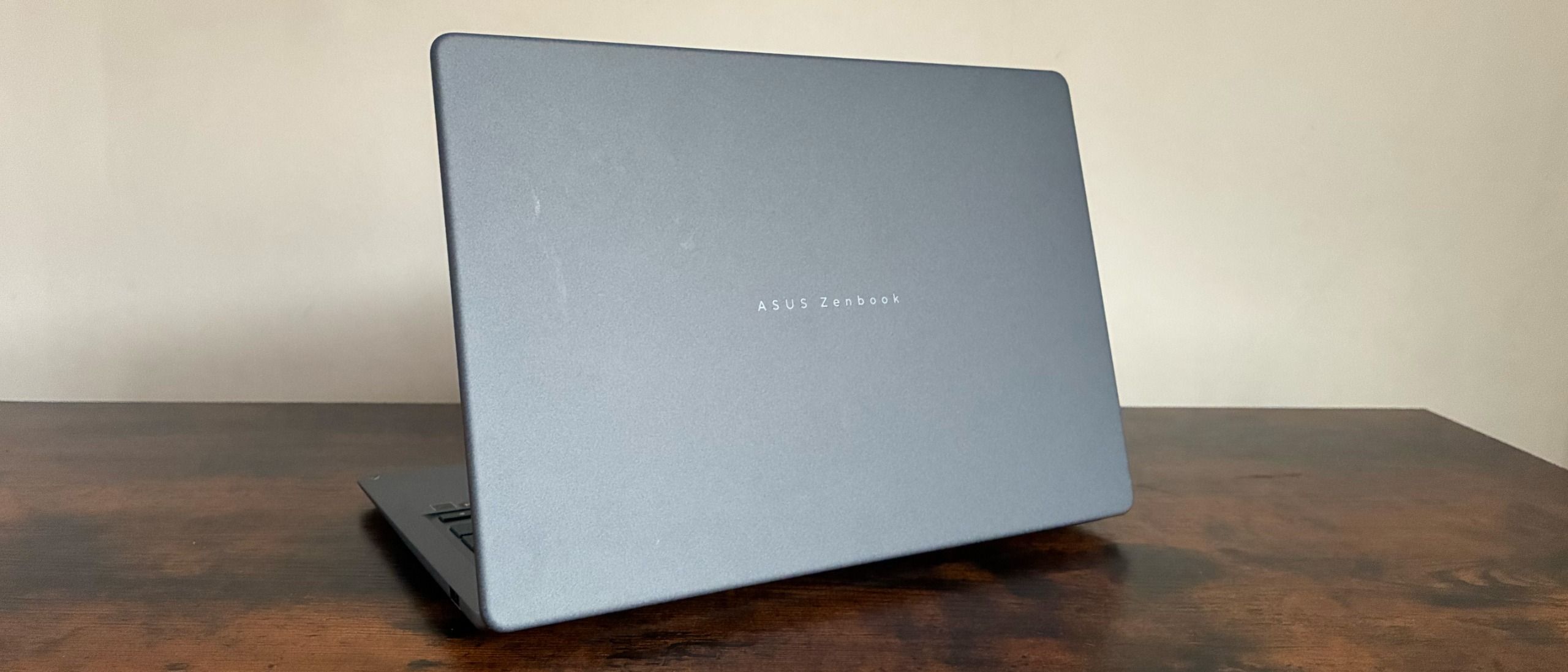
Weighing in at a remarkably light 1.10kg and measuring only 0.55 inches in thickness, the device is designed for portability. The industrial design is underscored by a new hinge mechanism that allows for an "optimal torque" opening experience. This attention to detail reflects a broader industry trend where user experience (UX) is increasingly prioritized alongside raw hardware power. The device is available in a sophisticated blue-gray, with alternative options in Zabriskie Beige and Coral, ensuring the device fits into both corporate environments and more creative, modern workspaces.
Display Performance and Visual Fidelity
The visual experience is centered on a 14-inch WUXGA (1920 x 1200) OLED panel, which utilizes a 16:10 aspect ratio. While the top bezel is slightly thicker than some of its competitors—a necessary trade-off to accommodate the 1080p webcam—the overall display quality is high.
Testing reveals that the panel achieves 100% sRGB color coverage and a color volume of 169.4%. Furthermore, the 92.6% Adobe RGB score places this machine in the upper echelon of laptops within its price category, outperforming several more expensive alternatives currently on the market. Peak brightness, measured at approximately 303 cd/m2, proves sufficient for most office environments, and the adaptive brightness sensor operates with a fluidity that minimizes distractions during typical workflows. These technical specifications suggest that the Zenbook 14 is not merely a document-processing machine, but a capable tool for photo editing and media consumption.
Performance and Computational Efficiency
At the heart of the Zenbook 14 lies the Snapdragon X1 26 100 processor. While this is a step down from the X2 Elite chipset found in the A14, it remains a robust option for multitasking and enterprise-grade applications. The inclusion of the Qualcomm Hexagon NPU (Neural Processing Unit), capable of up to 45 TOPS (Trillions of Operations Per Second), ensures that the machine is "AI-ready," supporting the growing ecosystem of on-device machine learning tools that are becoming standard in modern Windows 11 workflows.
Benchmark results provide a nuanced view of the machine’s capabilities. In Geekbench 7, the device yielded a single-core score of 1,324 and a multi-threaded score of 10,547. While these figures are not designed to compete with high-end gaming rigs or workstation-class hardware, they demonstrate significant efficiency for standard productivity suites, video conferencing, and heavy web-based research. The machine ships with 16GB of LPDDR5X RAM, which is sufficient for most modern enterprise applications, though power users might find the 512GB M.2 NVMe PCIe 4.0 SSD capacity to be a potential area for future upgrades.
Battery Life and Power Management
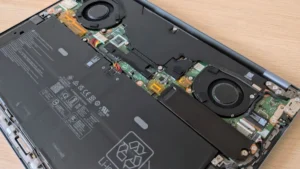
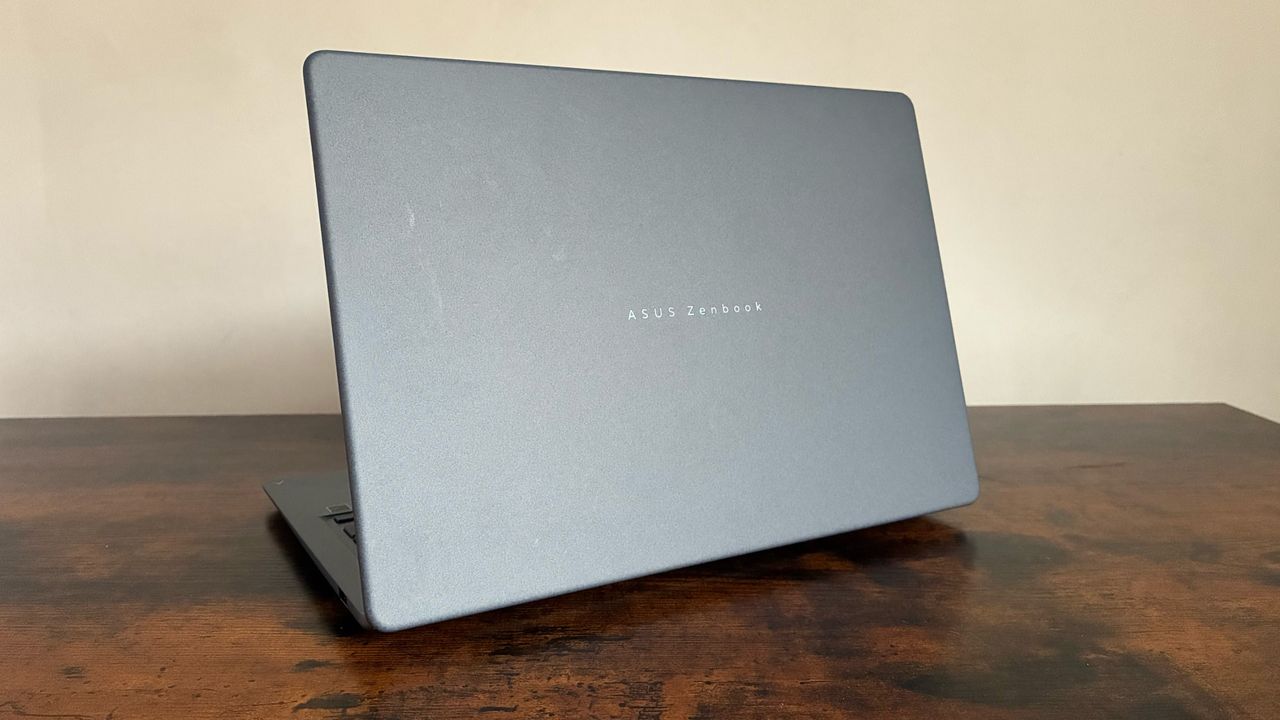
Battery longevity is perhaps the most scrutinized aspect of ARM-based laptops. Asus advertises up to 18 hours of web browsing, though real-world performance yields slightly different results. During rigorous testing involving looped video playback, the 3-cell Li-ion battery provided approximately 10 hours and 13 minutes of runtime. While this falls short of the manufacturer’s maximum estimates, it is nonetheless a reliable figure for a full standard workday. Users who utilize the device primarily for word processing and light multitasking will likely find that it can survive a full shift without requiring a charge, meeting the essential requirements for a mobile office device.
Connectivity and Software Ecosystem
The I/O selection on the Zenbook 14 is functional and well-suited for modern office setups. It includes two USB 3.2 Gen 2 Type-C ports, which support display output and power delivery at speeds up to 10Gbps. Additionally, a USB 3.2 Gen 1 Type-A port ensures compatibility with legacy peripherals, a feature often overlooked in thinner laptops. An HDMI 2.1 port and a 3.5mm audio jack round out the physical connectivity suite. While the absence of an integrated SD card reader may be a slight inconvenience for some, it is a forgivable omission given the device’s compact footprint.
Security and productivity software form a significant part of the value proposition. The inclusion of Microsoft Pluton Passkeys, integrated directly into the CPU, provides a hardware-level layer of protection against emerging threats. Asus also bundles a suite of proprietary tools, including GlideX for cross-device screen sharing, ScreenXpert for window management, and the MyASUS dashboard, which allows for granular control over system parameters such as fan speed, microphone noise cancellation, and battery charging thresholds.
Broader Implications and Market Positioning
The launch of the Zenbook 14 signifies an important maturation phase for the Snapdragon X platform in the Windows ecosystem. By offering a high-quality build with a proven, albeit mid-tier, processor, Asus is signaling that the era of "expensive experimentation" with ARM Windows laptops is coming to an end.
Industry analysts suggest that this price-to-performance ratio is critical for the broader adoption of Copilot+ PCs in the enterprise sector. Companies looking to refresh their hardware cycles are likely to prioritize devices that offer the efficiency of the Snapdragon platform without the premium price tag associated with early-adopter hardware. The Zenbook 14 serves as a bridge between the high-performance enthusiast market and the mainstream office segment.
Final Verdict: Is it a Dependable Choice?
The Zenbook 14 occupies a unique position in the current laptop market. It is not designed to be the fastest or the most powerful machine available; rather, it is designed to be the most dependable. For professionals who value aesthetics, portability, and a high-quality display, the £799.99 price point makes this a highly competitive offering.
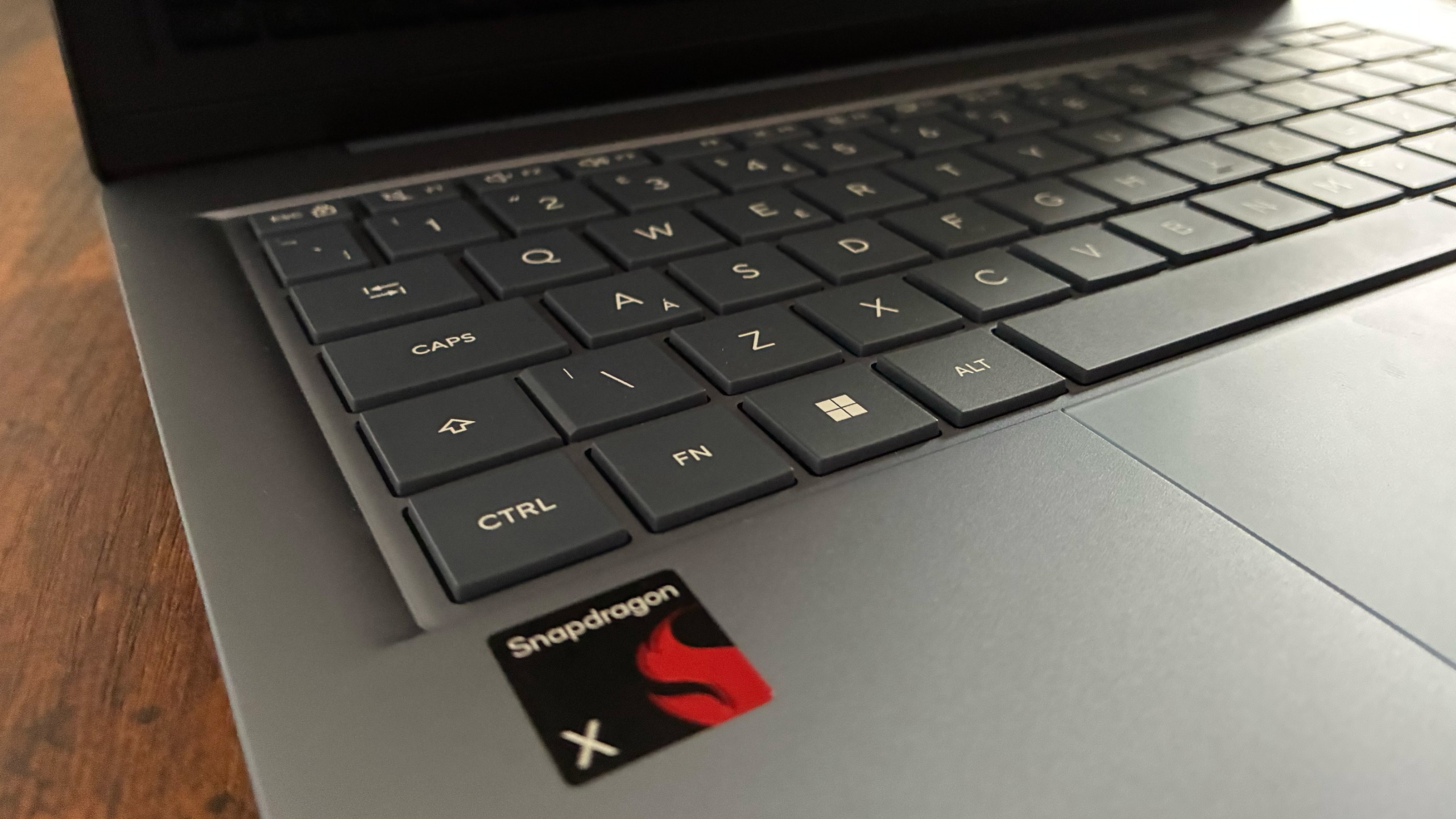
While the trade-offs—such as the older chipset and lower RAM—are clear, they do not detract from the machine’s ability to perform its core functions with grace. The combination of an excellent typing experience via the ErgoSense keyboard, a responsive, albeit slightly clicky, touchpad, and a robust software suite makes it a formidable contender for any office-based professional. As the industry continues to move toward more efficient, AI-integrated computing, the Zenbook 14 stands as a testament to the fact that high-quality, professional-grade hardware can be achieved without breaking the budget. It is, by all accounts, a refined iteration that prioritizes the needs of the modern workforce.