Asus Zenbook 14 (Snapdragon X UX3480Q) review: light, stylish, and surprisingly affordable

The Evolution of the Zenbook Series
The introduction of the Zenbook 14 follows a significant transition period for the PC industry. Throughout 2024, major manufacturers have pivoted toward Arm-based architectures, largely driven by the promise of longer battery life and advanced artificial intelligence integration through Neural Processing Units (NPUs). The Zenbook A14, launched in the spring, was positioned as a flagship device, boasting the more potent Snapdragon X Elite chipset.
In contrast, the new Zenbook 14 utilizes the standard Snapdragon X platform. This divergence in hardware specifications suggests a tiered market approach by Asus. By offering a version with slightly lower RAM, storage, and a different processor configuration, the company is catering to enterprise procurement departments and individual users who require a high-end chassis and display experience without the overhead of high-performance computing capabilities that may be surplus to requirements for general office administrative tasks.
Industrial Design and Build Philosophy
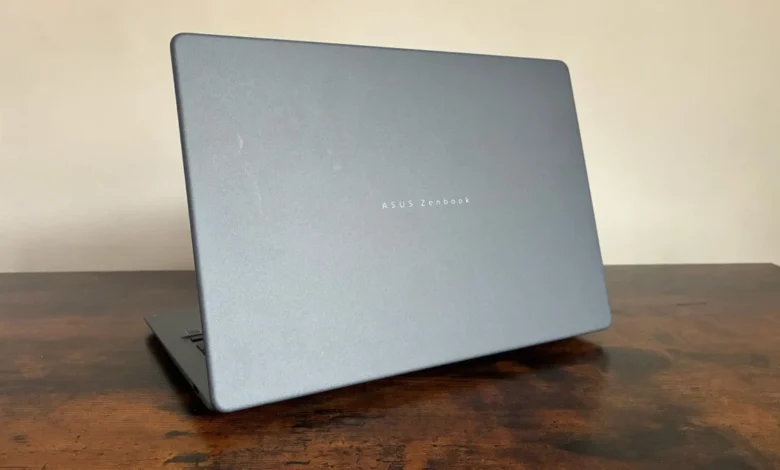
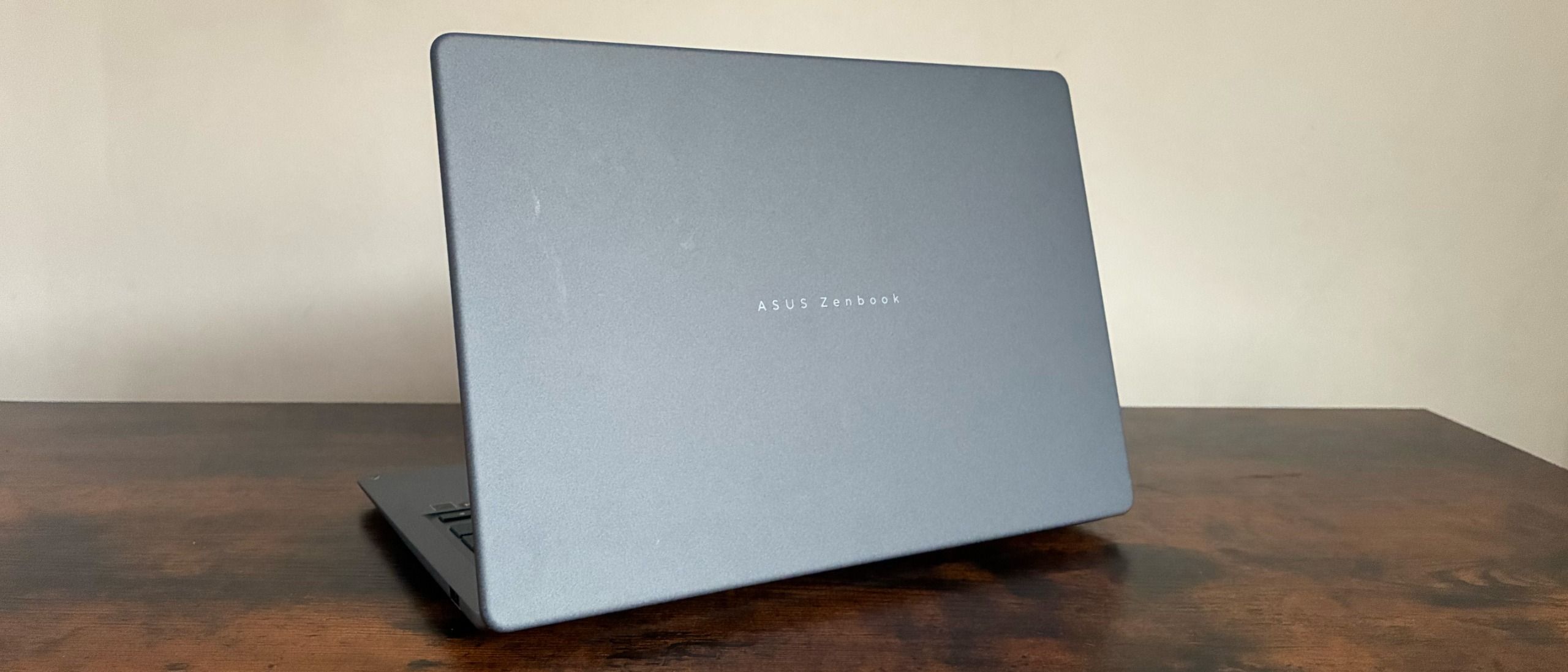
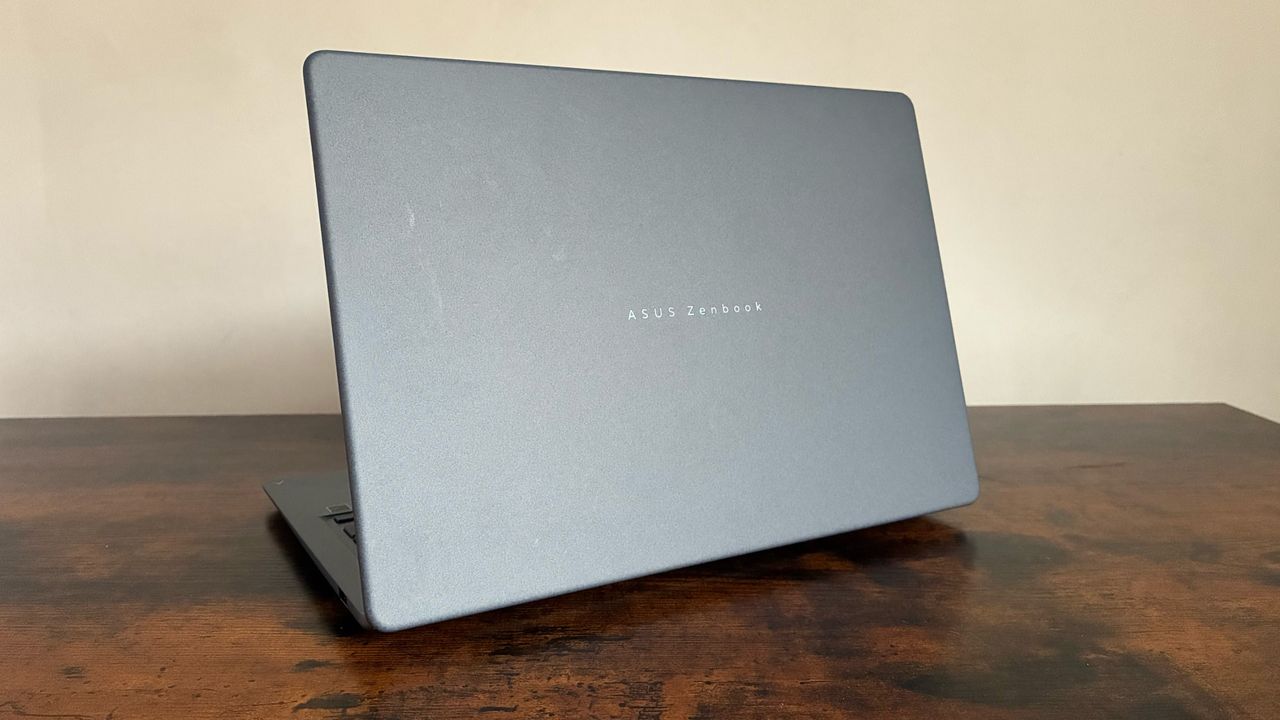
The Zenbook 14 retains the aesthetic language that has defined the series for several years. The chassis is constructed from what Asus refers to as "Ceramic Ceraluminium," a proprietary material that combines the structural integrity of aluminum with a ceramic-like finish. From an engineering standpoint, this material is specifically designed to resist common wear and tear in office environments, including smudges, scratches, and minor impacts.
The device weighs in at a highly portable 1.10kg and maintains a slim profile of just 0.55 inches. These metrics are critical in the current market, where the "hybrid office" model—requiring employees to move between home, office, and transit environments—has become the standard. The inclusion of a redesigned hinge mechanism, which allows for what the company describes as "optimal torque," ensures the display can be lifted with a single hand, a feature that significantly improves the user experience during daily operation. The laptop is available in a variety of colorways, including a professional blue-gray, as well as more stylistic options like Zabriskie Beige and Coral.
Display Technology and Visual Fidelity
At the heart of the user experience is a 14-inch WUXGA OLED display with a 1920 x 1200 resolution. OLED technology has become a cornerstone of Asus’s premium and mid-range offerings, providing superior contrast ratios and deeper blacks compared to traditional IPS panels.
Technical testing of the panel reveals a peak brightness of approximately 302.96 cd/m2. While this is sufficient for typical indoor office lighting, it performs well within its price bracket. Color accuracy is a particular strength for this model, with 100% coverage of the sRGB color gamut and a volume reaching 169.4%. Furthermore, the display achieves a 92.6% score in the Adobe color space, making it a surprisingly capable machine for light photo editing and graphic design tasks. The adaptive brightness feature, which functions with a high degree of subtlety, ensures that the display remains readable across varying ambient light conditions without the distracting flicker or abrupt transitions often found in cheaper implementations.
Performance Benchmarks and Hardware Constraints
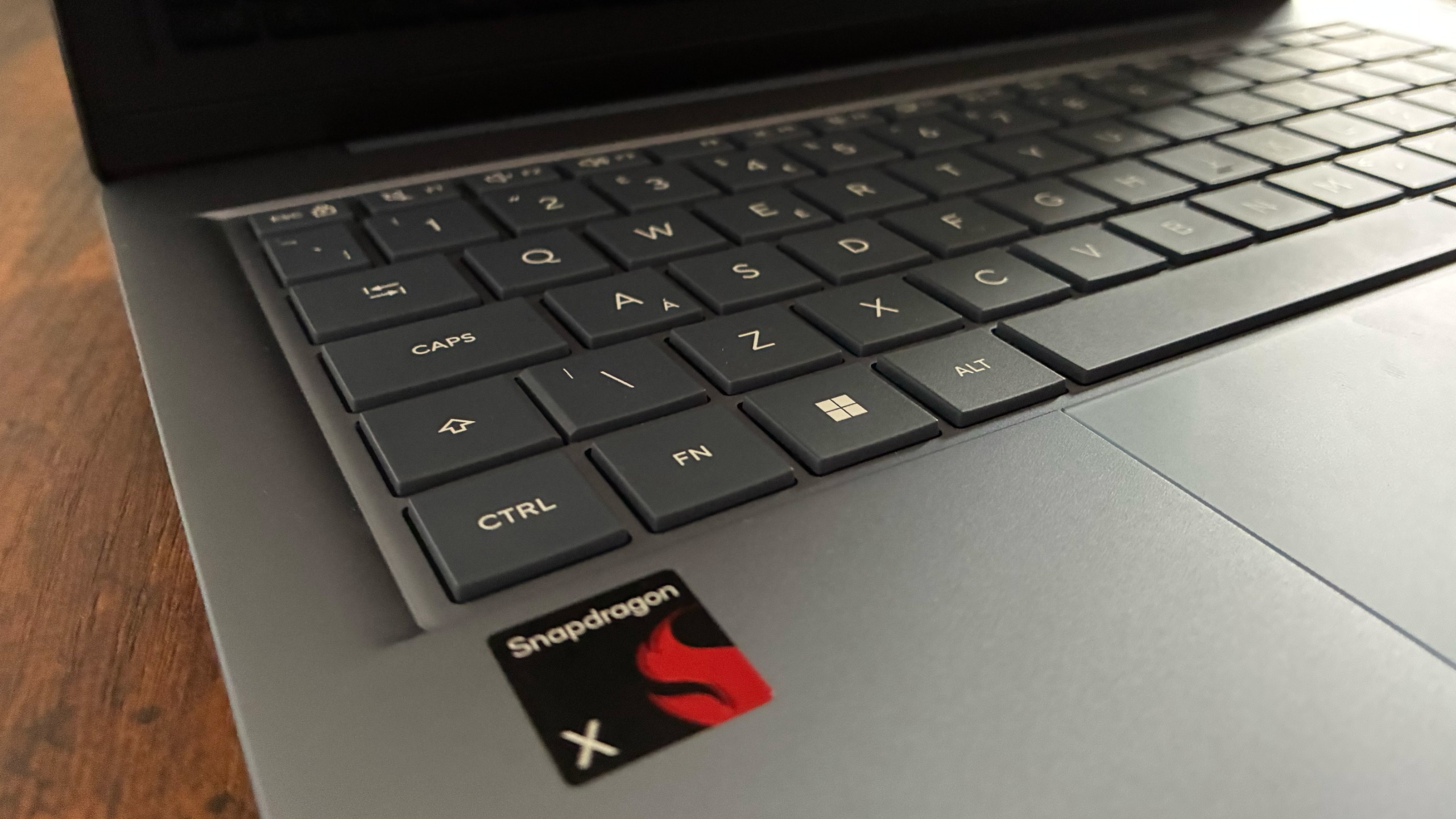
The hardware profile of the Zenbook 14 is defined by the Snapdragon X platform. While it does not match the raw throughput of the X Elite chips, it remains highly efficient for productivity workloads.
In standardized performance benchmarks, the device returned a single-core score of 1,324 in Geekbench 7. The multi-threaded performance, which is often more indicative of real-world multitasking capability, was stronger, landing at 10,547. These figures indicate that while the device is not intended for heavy video rendering or intensive 3D gaming, it is more than adequate for high-volume spreadsheet management, video conferencing, and multi-tab web browsing.
A notable feature included in this configuration is the Qualcomm Hexagon NPU, which is capable of up to 45 TOPS (trillions of operations per second). This component is essential for modern Windows 11 tasks that leverage local AI processing, such as background noise cancellation, real-time video framing, and upcoming OS-level AI enhancements. The inclusion of this technology at the £799 price point represents a significant democratization of AI-capable hardware in the sub-£1,000 category.
Battery Life and Power Management
Asus claims up to 18 hours of web browsing, a figure that is common in marketing materials for Arm-based laptops. However, independent testing in a looped video playback scenario resulted in a runtime of 10 hours and 13 minutes. While this falls short of the theoretical maximum, it is effectively a full-day battery for most office workers. The discrepancy between laboratory claims and real-world usage is likely due to the varied power draw of OLED displays and background processes under real-world conditions. For the average professional, the device provides enough endurance to get through a standard eight-hour workday without requiring a connection to a power outlet.
Connectivity and Software Integration
The connectivity suite is pragmatic, reflecting a balance between thin-chassis constraints and utility. The laptop includes two USB 3.2 Gen 2 Type-C ports, supporting both power delivery and external display output, with data transfer speeds up to 10Gbps. Additionally, there is a USB 3.2 Gen 1 Type-A port, which remains necessary for legacy peripheral compatibility, along with an HDMI 2.1 port and a 3.5mm audio jack.
Software-wise, Asus has integrated several proprietary tools within the MyASUS ecosystem. These include fan speed control, microphone noise filtering, and tools like GlideX for screen mirroring across mobile devices. Furthermore, the inclusion of Microsoft Pluton security technology—embedded directly into the processor—provides a hardware-level layer of protection for encryption keys and biometric data, which is an increasingly important requirement for corporate IT departments.
Market Implications and Competitive Analysis
The release of the Zenbook 14 at a lower price point than the A14 suggests that Asus is attempting to capture the "middle market" of the enterprise sector. The £799.99 price tag places it in direct competition with high-end ultrabooks from competitors that still rely on traditional x86 processors.
The primary implication for business consumers is that the transition to Arm-based chips is moving beyond the "early adopter" phase. As software compatibility for Windows on Arm continues to improve through emulation and native support, the appeal of these devices increases. For firms looking to refresh their hardware, the combination of a high-quality chassis, an OLED display, and a dedicated NPU—all while maintaining a sub-£800 price point—makes the Zenbook 14 a formidable option.
However, potential buyers must weigh the limitations. The lack of upgradeable RAM (fixed at 16GB) and the reliance on a 512GB SSD mean that this is not a "future-proof" device in the same way that a workstation-class laptop might be. It is a specialized tool for mobile professionals who value the weight-to-performance ratio over raw power.
Final Assessment
The Asus Zenbook 14 stands as a testament to the current direction of laptop design: sleek, efficient, and increasingly intelligent. It does not attempt to outperform every device on the market, nor does it try to be a substitute for a high-end desktop workstation. Instead, it succeeds by focusing on the core requirements of the modern professional: a vibrant, accurate screen, a comfortable typing experience, and a chassis that is easy to transport.
By stripping back some of the more expensive components found in the A14, Asus has managed to maintain the premium feel of the Zenbook brand while creating a device that is accessible to a wider array of budgets. As the industry continues to integrate AI workloads into standard workflows, the presence of the Qualcomm Hexagon NPU ensures that this machine will remain relevant for the next several years of software development. For those in the market for a dependable, stylish, and highly portable office laptop, the Zenbook 14 offers a compelling value proposition that balances cost and capability in a way that few other Windows laptops currently achieve.