Bambu Lab R1 Review: A Professional-Grade 55W CO2 Laser Cutter Redefining Desktop Manufacturing

Bambu Lab has officially expanded its manufacturing footprint beyond the realm of 3D printing with the launch of the Bambu Lab R1, a sophisticated 55W CO2 laser cutter and engraver engineered for small businesses, professional makers, and advanced hobbyists. Priced at $2,499 in the United States and £2,249 in the United Kingdom, pre-orders for the R1 are scheduled to commence on September 22, 2026, with commercial shipments slated to begin in October.
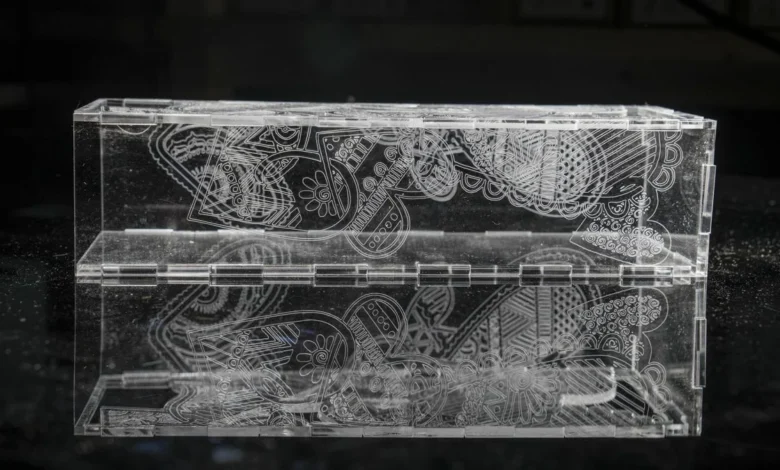
While the company previously introduced minor laser capabilities via the H2D combination unit, the R1 represents Bambu Lab’s first dedicated, standalone venture into laser technology. Moving away from standard diode configurations, the R1 integrates a robust 55W CO2 laser source. This technical shift empowers the machine to process a significantly broader array of materials—most notably clear acrylic and glass—while providing the higher cutting thresholds required for professional production workflows.
Background Context and Market Evolution
The desktop laser engraving sector has experienced rapid maturation over the past five years. Historically dominated by open-frame, component-heavy machines that demanded meticulous assembly and heightened safety vigilance, the market has transitioned toward fully enclosed Class 1 laser systems. Competitors such as xTool, LaserPecker, Glowforge, and Creality have steadily elevated consumer expectations regarding safety, enclosure design, and out-of-the-box usability.
Bambu Lab enters this crowded marketplace by leveraging its considerable engineering expertise derived from the 3D printing sector. Rather than relying entirely on conventional manual setups, the company has integrated advanced automation to minimize operational friction. The R1 features automated optical alignment, smart material positioning, and sophisticated surface measurement tools designed to streamline complex manufacturing tasks that traditionally required hours of manual calibration.
Design, Hardware Specifications, and Setup
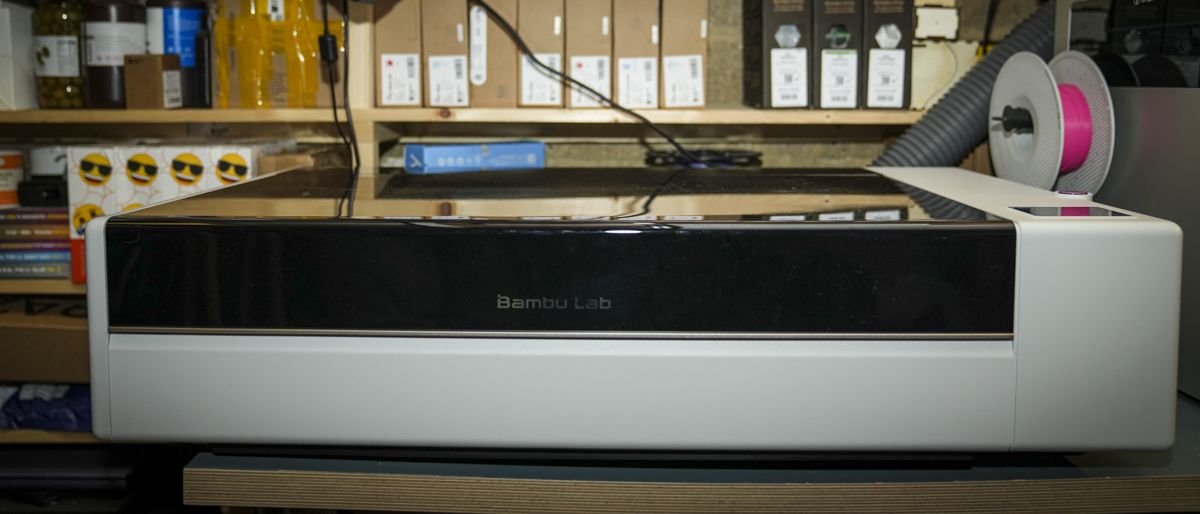
Measuring 940 x 560 x 200mm and weighing 33.5kg, the R1 strikes a calculated balance between a compact desktop footprint and heavy-duty industrial capability. It comfortably fits on standard 60cm-deep workshop benches while offering a primary working area of 600 x 300mm. For users requiring continuous production, an optional conveyor accessory expands the working length up to 3,000mm while maintaining the standard 600mm width.
Unpacking and setting up the hardware follows a structured workflow. The machine arrives largely pre-configured, requiring basic assembly steps such as attaching the exhaust venting—ideally paired with Bambu Lab’s optional E1 Pro filtration system—and filling the internal cooling reservoir with distilled or de-ionised water. For workshops subjected to colder climates where temperatures drop below 5°C, the manufacturer recommends adding antifreeze protection down to -10°C.
Once powered on, the R1 executes a 30-second initialization sequence, followed by an automated self-check and calibration procedure lasting approximately 30 minutes. Unlike traditional CO2 lasers that require manual mirror adjustments to align the optical beam, the R1 automates this process through motorized mirror actuators and a magnetic Laser Alignment Sensor that snaps directly onto the toolhead. Users simply select the alignment protocol via the integrated touchscreen, completing the entire calibration cycle in roughly five minutes.
Advanced Automation and TriSense Technology
At the core of the R1’s operational precision is the proprietary TriSense system. This architecture combines a BirdsEye overview camera, a high-resolution toolhead camera, a pinpoint targeting laser, a surface distance-measurement laser, and high-precision XY encoders.
These integrated sensors allow the machine to dynamically map material placement, calculate surface variations, and monitor toolhead movement in real time. During extensive testing, this automation proved critical in preventing material waste. For instance, misaligned vector paths or interrupted jobs can be easily recovered by utilizing the overhead camera feed to re-register cutting vectors directly over previously engraved markings.
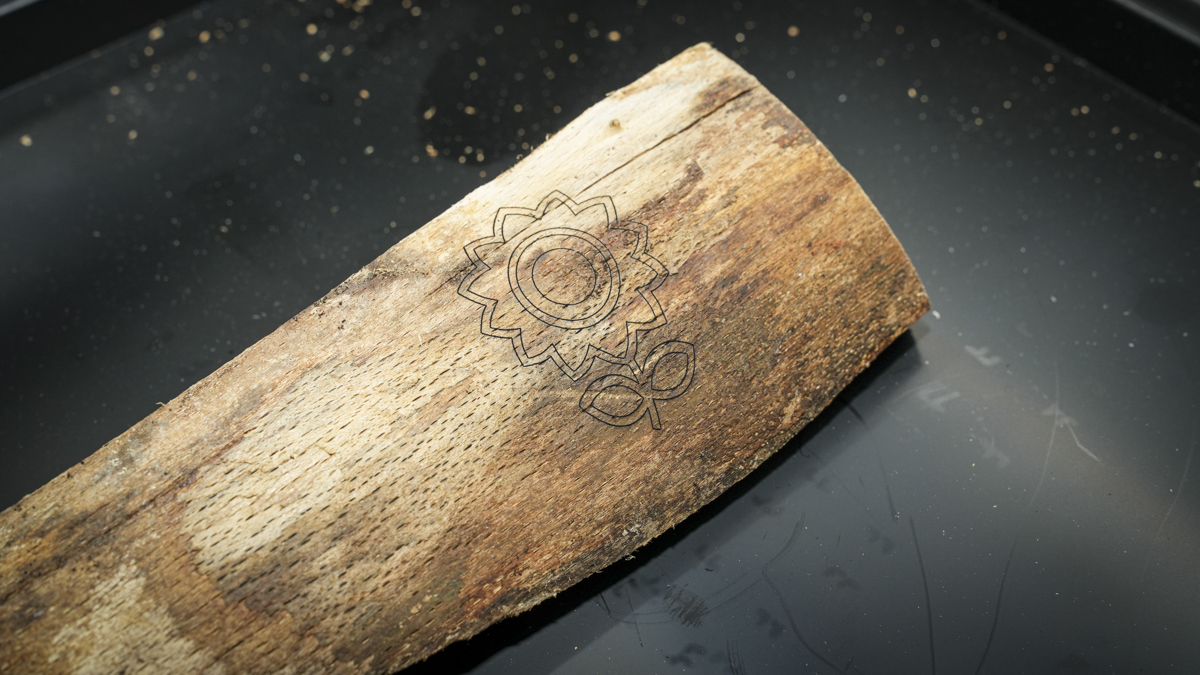
Furthermore, the R1 introduces advanced curved-surface engraving. Operators can place irregular objects—such as bowls, cylindrical timbers, or raw logs—into the chamber and initiate a multi-point surface height-measurement procedure. The machine constructs a dynamic height map, automatically adjusting the laser focus along the contours of the object to maintain razor-sharp engraving quality across uneven topologies.
Performance, Cutting Capacities, and Software Integration
Equipped with a 55W CO2 laser and a choice of short-, medium-, and long-focus lenses, the R1 demonstrates impressive versatility across diverse substrates. The standard short-focus lens delivers a 0.11mm spot size, optimized for high-detail engraving and precision cutting on thinner sheets. With optional medium- and long-focus lenses, the machine achieves a maximum cutting capacity of 18mm for black walnut and 20mm for acrylic.
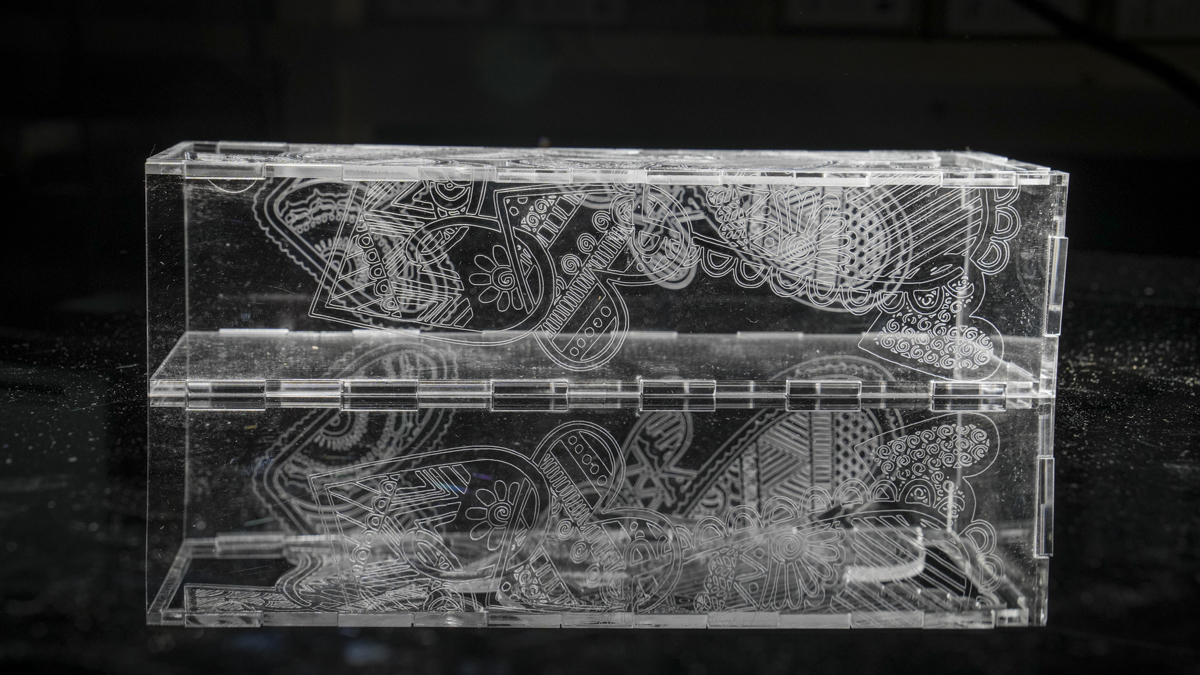
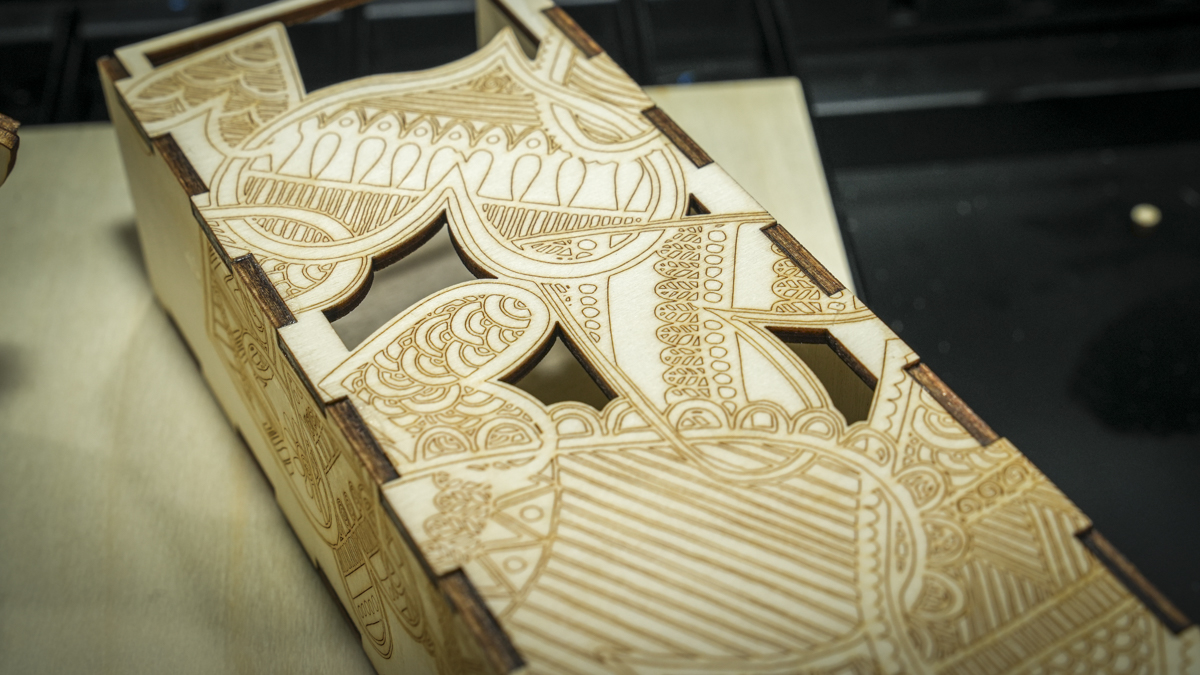
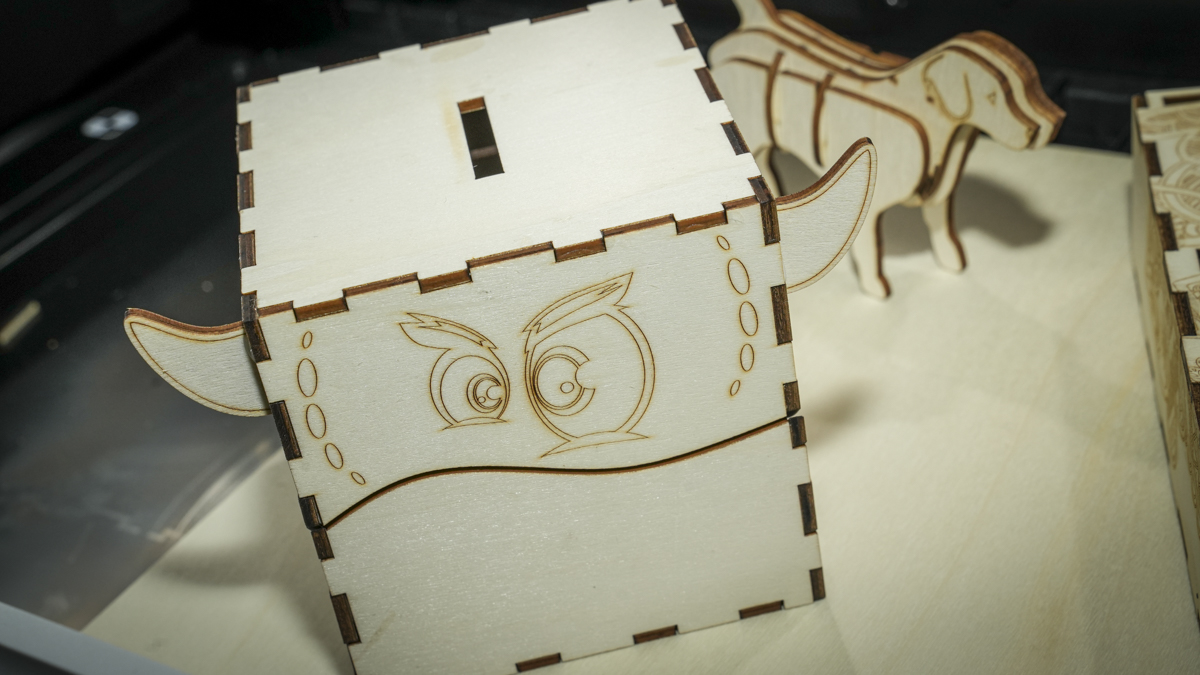
In practical evaluations using 3mm basswood plywood—a standard benchmark for model makers and crafters—the R1 executed complex multi-part vector designs cleanly and rapidly. Acrylic performance proved equally exceptional, yielding polished, clear edge finishes during extended 30-minute cutting cycles that typically challenge lower-powered diode lasers. Additional material compatibility spans MDF, leather, heavy paper, EVA foam, ceramic, coated metals, and glass.
Despite the high degree of hardware polish, feedback regarding the companion software, Bambu Suite, indicates room for further development. While stable on macOS and Windows, the software’s user interface occasionally presents minor workflow friction. Terminology discrepancies—such as selecting "Open Image" to import vector files like DXFs instead of "Open File"—require a brief adjustment period. Additionally, capturing work areas and transitioning between design preparation and execution phases can occasionally necessitate redundant steps or manual refreshes.
Ecosystem Implications and Industry Impact
Priced at the premium end of the enthusiast and small-business spectrum, the Bambu Lab R1 positions itself as a direct competitor to established systems like the xTool P2. By embedding automated calibration, advanced optical tracking, and material presets that eliminate the need for tedious manual test grids, Bambu Lab has successfully transitioned its consumer-friendly 3D printing philosophy into the laser cutting domain.
For small businesses, rapid prototyping studios, and multi-disciplinary makers already invested in the Bambu Lab ecosystem, the R1 offers a seamless bridge between additive manufacturing and subtractive laser processing. While minor software refinements and standard inclusions—such as a dedicated honeycomb bed rather than removable slats—would enhance the out-of-the-box experience, the R1 establishes a new benchmark for automated precision and user accessibility in the desktop CO2 laser market.