How to Type Insanely Fast on Your Android Phone Using Glide Typing and Advanced Keyboard Features

The evolution of mobile communication has transitioned from the tactile feedback of physical T9 keypads to the expansive, high-resolution glass surfaces of modern smartphones. As mobile devices have become the primary tools for professional correspondence, academic note-taking, and social interaction, the efficiency of text entry has emerged as a critical factor in user productivity. While the majority of users continue to utilize the traditional "hunt and peck" method—tapping individual characters one by one—a more sophisticated input method known as Glide Typing, or swipe typing, offers a significant leap in words-per-minute (WPM) performance. By leveraging gesture-based input and machine learning algorithms, Android users can transform their typing experience from a series of discrete actions into a fluid, continuous motion.
The Mechanics of Gesture-Based Input
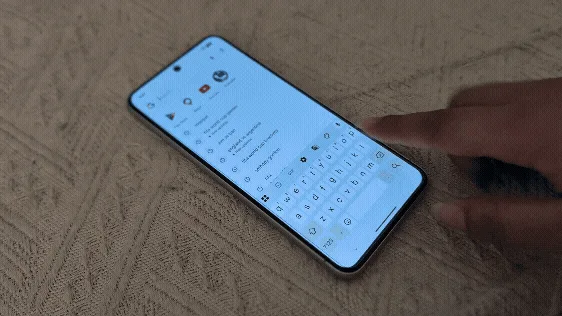
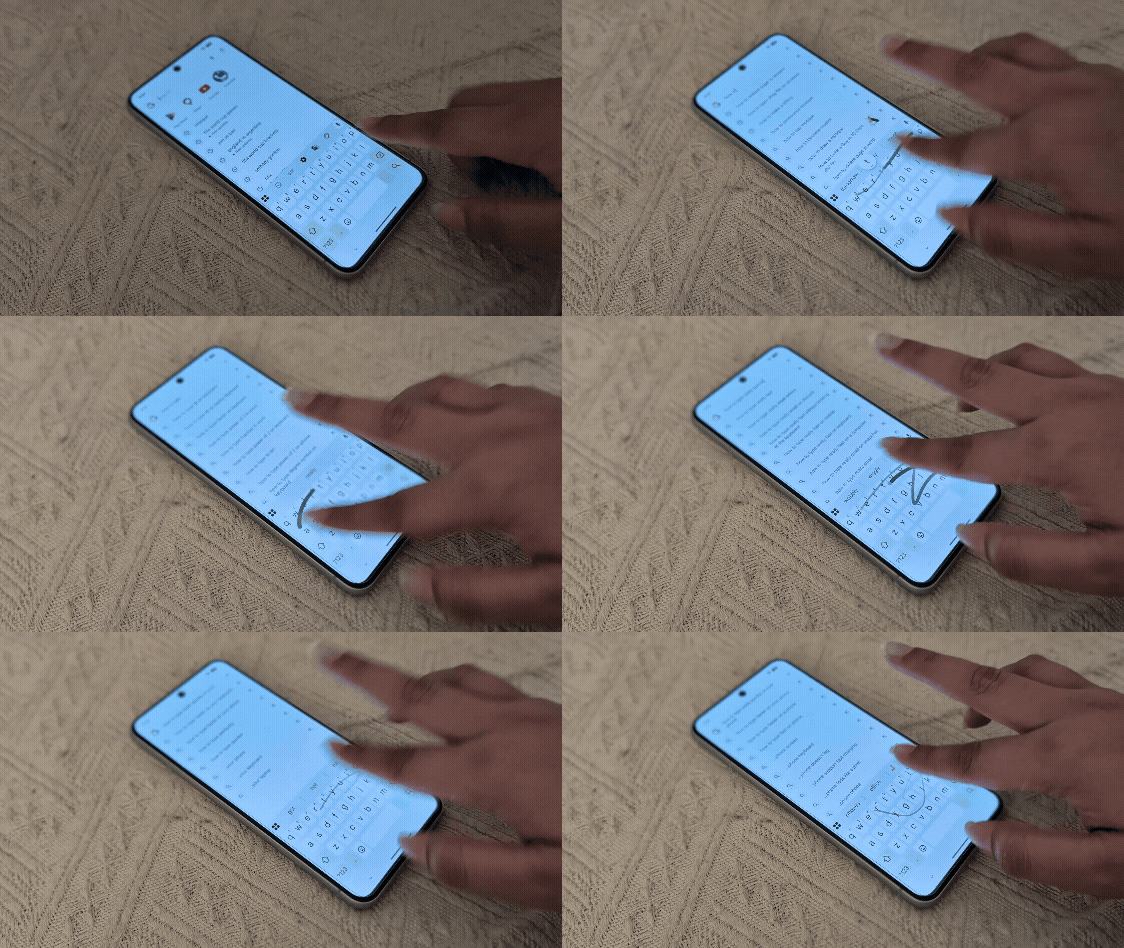
Glide Typing, integrated into Google’s Gboard and similar iterations in Samsung’s proprietary keyboard, functions on the principle of continuous contact. Instead of lifting the finger between each letter, the user traces a path across the virtual QWERTY layout. The software analyzes the geometric pattern formed by the gesture, comparing it against a vast internal dictionary to predict the intended word.
In a recent demonstration involving a Google Pixel 8 running the Android 16 developer preview, the efficacy of Gboard’s Glide Typing was highlighted as a cornerstone of modern mobile efficiency. The process is deceptively simple but requires a brief period of neuromuscular adaptation. To initiate the feature, a user selects a text input field to summon the keyboard. Rather than tapping, the user slides their finger to the first letter of a word and then moves through the subsequent letters in one unbroken stroke. Upon lifting the finger at the conclusion of the word, the software automatically inserts a space, allowing the user to immediately begin the gesture for the next word.
Historical Context and the Evolution of Swype Technology
The concept of gesture-based typing is not a recent innovation but rather the result of decades of linguistic research and software engineering. The technology was pioneered by Cliff Kushler, the co-inventor of the T9 predictive text system, who founded Swype Inc. in the early 2000s. Swype was designed to solve the "fat finger" problem inherent in small touchscreens, where individual key targets were often too small for accurate tapping.
In 2011, Nuance Communications acquired Swype, further refining the algorithms. Seeing the potential for improved user retention, Google integrated its own version of the technology, "Gesture Typing," into the Google Keyboard (later rebranded as Gboard) in 2013 with the release of Android 4.2 Jelly Bean. Since then, the technology has evolved from a simple pattern-matching tool into a sophisticated AI-driven engine that considers context, previous word choices, and personalized user dictionaries.
Comparative Data: Tapping vs. Gliding
Empirical studies on mobile text entry suggest a notable disparity between tapping and swiping speeds. According to research conducted by various human-computer interaction (HCI) labs, the average smartphone user taps at a rate of approximately 35 to 45 words per minute. In contrast, proficient users of Glide Typing can consistently reach speeds exceeding 50 to 60 WPM, with some power users reporting speeds as high as 80 WPM in short bursts.
The increase in speed is attributed to several factors:
- Reduced Motion Latency: The elimination of the "lift and strike" motion for every character significantly reduces the physical time required to input a word.
- Error Correction: Glide Typing algorithms are inherently more forgiving of spatial inaccuracy. As long as the "shape" of the word is approximately correct, the predictive engine can usually identify the intended term.
- Automated Formatting: Features such as automatic spacing and intelligent capitalization remove the need for manual punctuation during the drafting phase.
Technical Implementation Across Android Ecosystems
While Gboard is the standard for Pixel and many "stock" Android devices, the implementation of gesture typing varies slightly across different manufacturers.
Enabling Glide Typing on Gboard
For most Android users, Gboard is either pre-installed or available via the Google Play Store. To optimize Glide Typing:
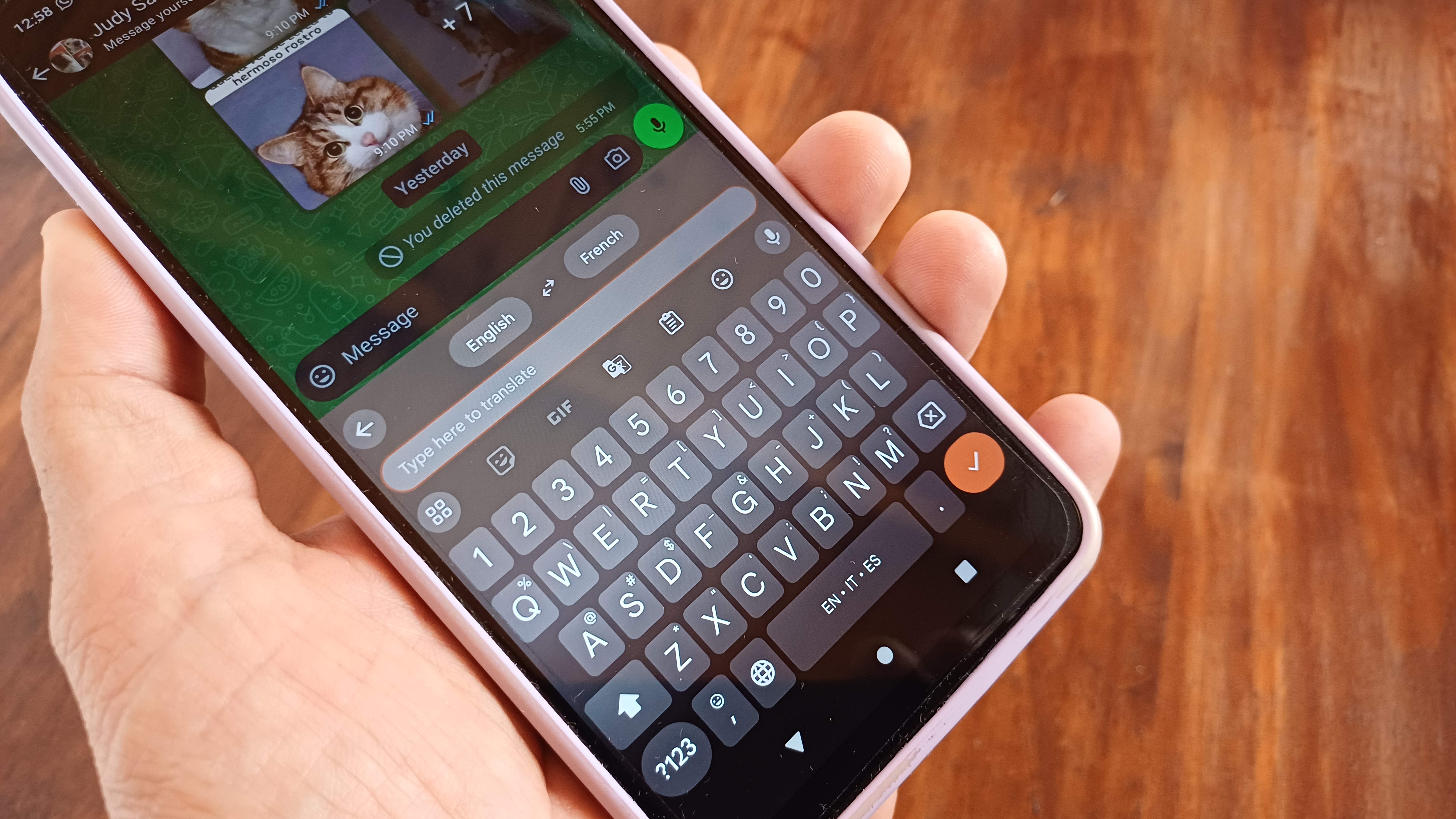
- Navigate to Settings > System > Languages & input > On-screen keyboard > Gboard.
- Select Glide typing.
- Ensure that "Enable glide typing," "Show gesture trail," and "Enable gesture delete" are toggled on.
Enabling Swipe on Samsung Keyboard
Samsung users often utilize the Samsung Keyboard, which requires a manual toggle for gesture input:
- Open Settings > General management > Samsung Keyboard settings.
- Navigate to Swipe, touch, and feedback.
- Select Keyboard swipe controls and choose Swipe to type.
The Role of Machine Learning and Predictive Intelligence
The modern iteration of Glide Typing on Android 16 leverages on-device machine learning to enhance accuracy over time. The keyboard does not merely look at the letters touched; it analyzes the trajectory and velocity of the finger. If a user frequently swipes from "H" to "I" but occasionally veers toward "U," the system learns the user’s specific "handwriting" on the glass.
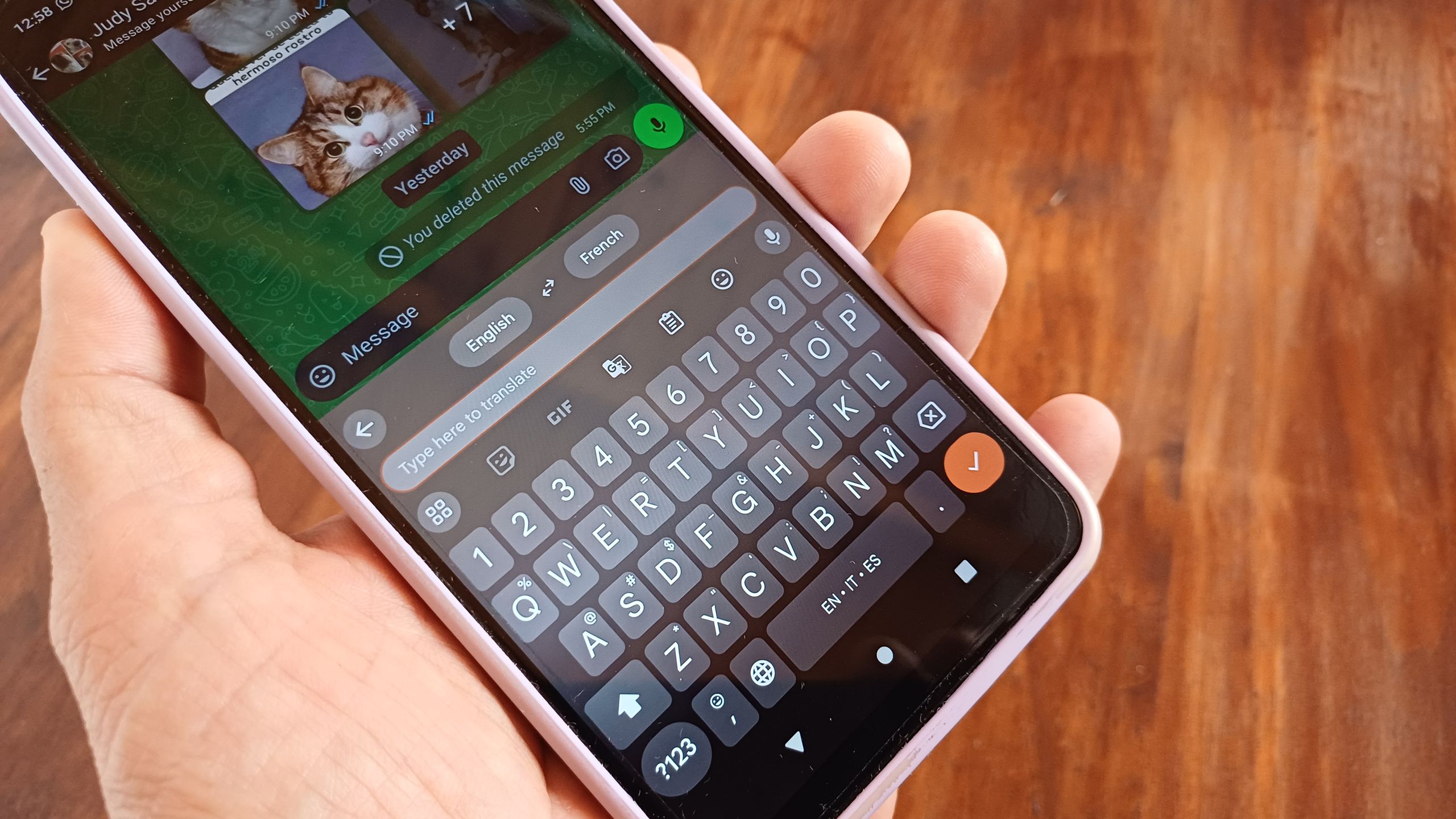
Furthermore, Gboard’s integration with the user’s personal dictionary allows for the seamless input of slang, specialized professional jargon, and contact names. This personalized model is stored locally to ensure privacy while providing a tailored experience. The software also supports multilingual Glide Typing, allowing users to switch between languages—such as English, Spanish, or Urdu—without manually changing keyboard layouts. The algorithm recognizes the linguistic patterns of the active languages and adjusts its predictions accordingly.
Broader Implications for Accessibility and Wearable Tech
Beyond mere speed, gesture-based typing has significant implications for accessibility. For users with limited fine motor control or those who can only operate a device with one hand, sliding a finger is often less taxing than the repetitive percussion of tapping. This is particularly relevant as smartphone screens continue to grow in size, making it difficult for the average thumb to reach across the entire width of the display during traditional typing.
The technology has also found a critical home in the wearable market. On Wear OS smartwatches, where the screen real estate is too constrained for traditional QWERTY tapping, Glide Typing is the primary method of text entry. By allowing users to "draw" words on a circular or small square interface, Google has made responding to messages on a watch a viable alternative to voice dictation.
Industry Reactions and Future Outlook
Industry analysts view the continued refinement of keyboard software as a vital component of the "post-app" era, where AI assistants and proactive interfaces reduce the friction between thought and digital execution. Software engineers at Google and Samsung have indicated that the next frontier for mobile input involves "transformer-based" neural networks, similar to those used in Large Language Models (LLMs). These models will not only predict the current word being swiped but will offer entire phrase completions based on the context of the conversation.
Critics of gesture typing often point to a steep initial learning curve. Users accustomed to twenty years of tapping may find the transition jarring, often resulting in a temporary decrease in speed. However, as noted by productivity experts, the "investment phase" of learning to glide pays dividends in long-term efficiency.
Conclusion: The Future of the Virtual Interface
As we look toward the full release of Android 16 and beyond, the virtual keyboard remains the most used interface element on any mobile device. The shift from discrete taps to fluid gestures represents more than just a "hack" for speed; it is a fundamental reimagining of how humans interact with glass surfaces. By mastering Glide Typing, users are not merely typing faster—they are adopting a more intuitive, ergonomic, and technologically advanced method of communication that aligns with the capabilities of modern silicon and AI. For the student, the professional, and the casual communicator, the ability to glide through a sentence at 60 words per minute is no longer a niche skill, but a necessary competency in an increasingly digital world.
Related posts: